SWD Protocolos suportados
Sistemas embarcadosSerial Wire Debug
O que é SWD?
SWD (Serial Wire Debug) is a two-pin debug interface defined by ARM as part of the CoreSight debug architecture. SWD provides the same debug functionality as JTAG — register access, memory read/write, breakpoints, and trace — using only two pins: SWDIO (bidirectional data) and SWCLK (clock). SWD is the standard debug interface for ARM Cortex-M, Cortex-A, and Cortex-R processors, making it ubiquitous in microcontroller and embedded processor designs. Engineers analyzing SWD traffic can verify that debug probes are communicating correctly with the target, diagnose firmware download failures, and debug low-level hardware access issues that manifest as SWD read/write errors or WAIT responses from the debug access port.
SWD Referência rápida
| type | Serial, synchronous |
| signals | SWDIO, SWCLK |
| max Speed | Up to 50 MHz |
| voltage Range | 1.8V – 3.3V |
| features | ARM debug interface |
Instrumentos Acute compatíveis com SWD
Soluções recomendadas
Recomendado para decodificação

TB3016F
only decode
Com canais analógicos
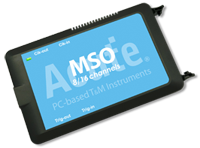
MSO2116E
only decode
Todos os produtos compatíveis


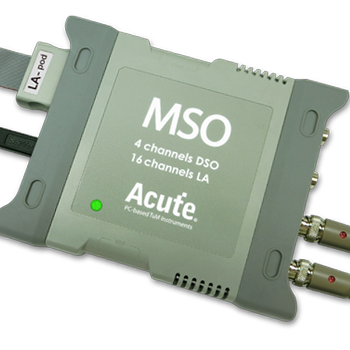
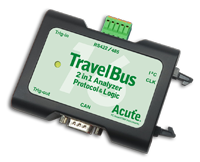
Pronto para analisar este protocolo?
Veja como os instrumentos Acute capturam e decodificam este protocolo em tempo real. Solicite uma demo ou entre em contato com nossa equipe.
Como analisar SWD com instrumentos Acute
Conecte seu analisador lógico Acute aos pinos SWDIO e SWCLK no conector de depuração do alvo (tipicamente um conector Cortex Debug de 10 pinos).
Conecte um fio terra a referência de terra da placa alvo.
No software Acute, selecione o SWD protocol decoder e atribua SWDIO e SWCLK aos canais de entrada correspondentes.
Configure o decodificador para expected clock speed and protocol version.
Capture e visualize os SWD transactions showing request packets (APnDP, RnW, address), acknowledgment (OK, WAIT, FAULT), and data phases for debug port register access.