DP AUX Protocol Support
Display & CameraDisplayPort Auxiliary Channel
What is DP AUX?
The DisplayPort AUX (Auxiliary) channel is a half-duplex bidirectional serial interface used for sideband communication in DisplayPort and eDP (embedded DisplayPort) connections. Operating at 1 MHz Manchester-encoded signaling on a single differential pair (AUX_CH_P and AUX_CH_N), the AUX channel handles critical functions including EDID/DisplayID reading, DPCD (DisplayPort Configuration Data) register access, link training negotiation, content protection (HDCP) authentication, and MST (Multi-Stream Transport) sideband messaging. The source device (GPU or display controller) initiates transactions by writing to or reading from DPCD address space on the sink device (monitor or display panel). Link training — the process of establishing the main video link at the optimal lane count and bit rate — relies entirely on AUX channel communication to configure and verify link parameters. The AUX channel is present in all DisplayPort, mini-DisplayPort, USB-C DisplayPort Alternate Mode, and eDP connections, making it ubiquitous in monitors, laptops, tablets, docking stations, and automotive displays. Protocol analysis for the AUX channel is critical because display connectivity problems often originate in the AUX handshake — failed link training, EDID read errors, and HDCP authentication failures all manifest as blank screens or degraded video quality. Engineers must decode AUX transactions to diagnose the root cause of display issues.
DP AUX Quick Reference
| type | Half-duplex serial |
| signals | AUX+, AUX- |
| max Speed | 1 Mbps (AUX) / 720 Mbps (FAUX) |
| voltage Range | 3.3V |
| encoding | Manchester encoded |
Acute Instruments Supporting DP AUX
Recommended Solutions
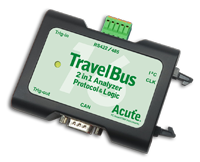
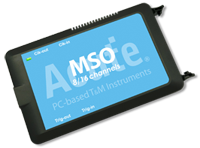
All Supporting Products

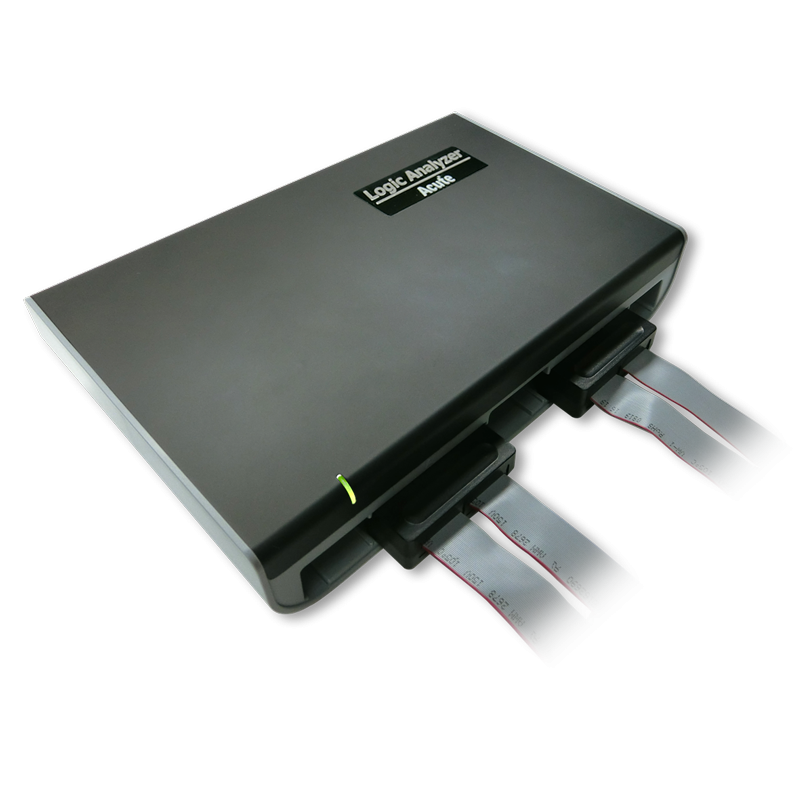
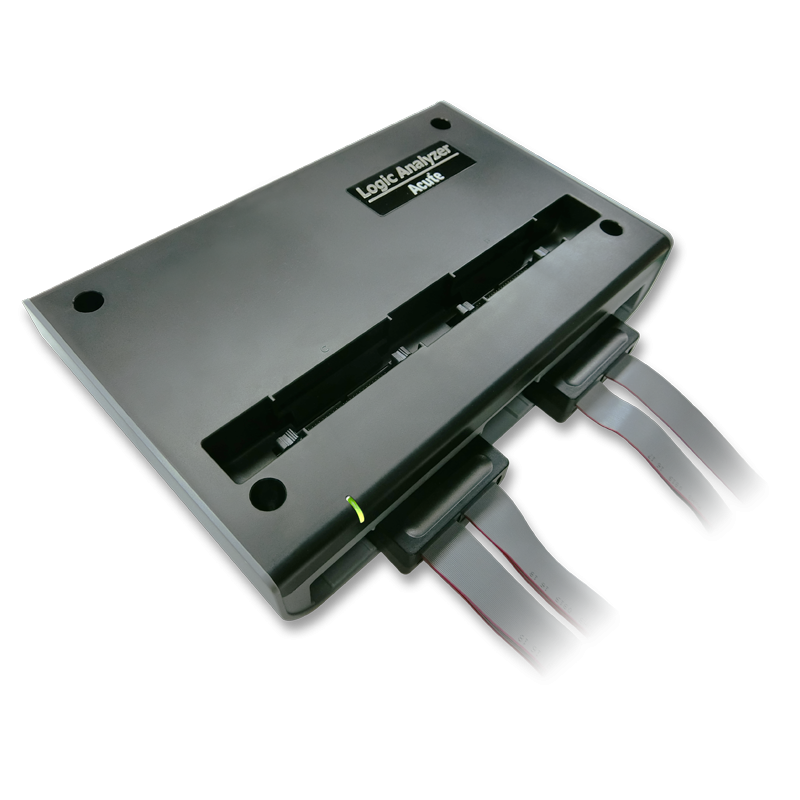
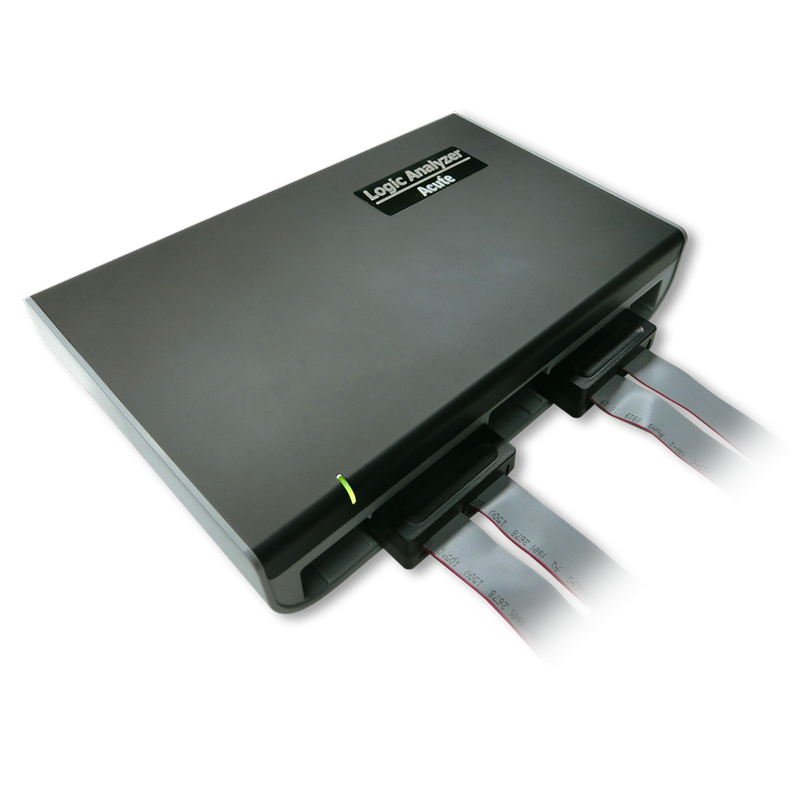
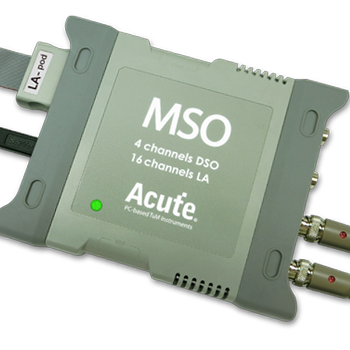
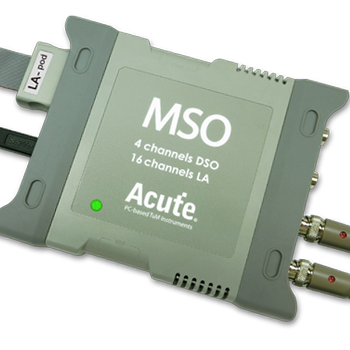
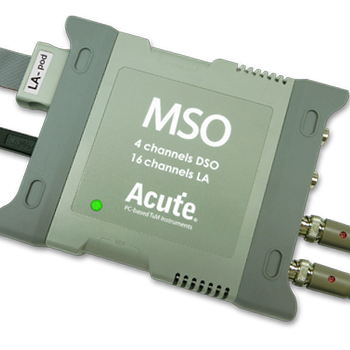
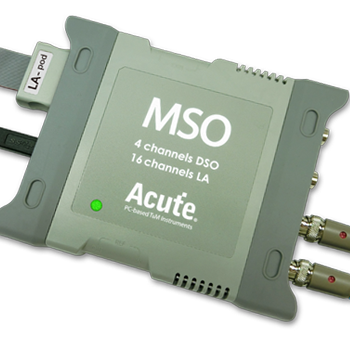
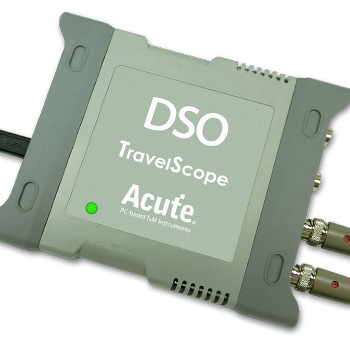
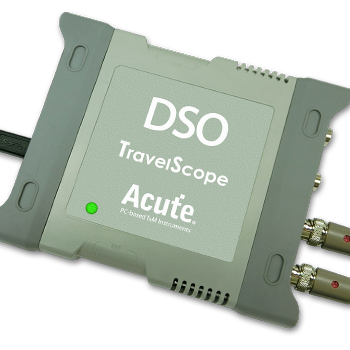
TravelBus Series
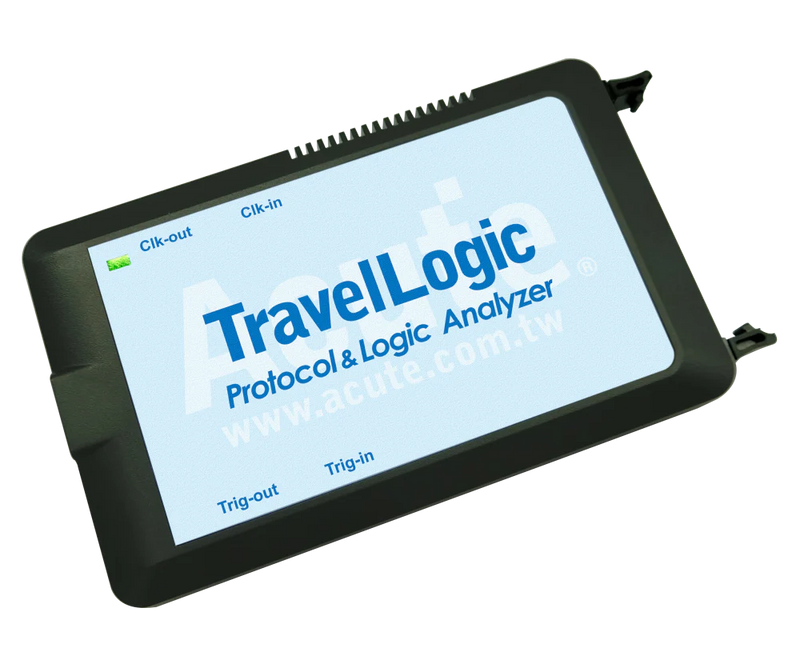
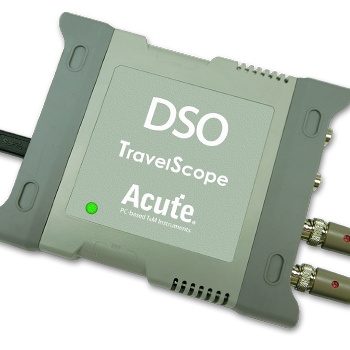
Ready to analyze this protocol?
See how Acute instruments capture and decode this protocol in real time. Request a demo or contact our team.
How to Analyze DP AUX with Acute Instruments
Connect your Acute logic analyzer to the AUX_CH_P and AUX_CH_N differential pair, or tap a single-ended AUX signal if available from a breakout board.
Attach a ground reference to the connector or board ground.
In the Acute software, select the DisplayPort AUX protocol decoder and assign the AUX channel signal(s).
Configure the decoder for the DisplayPort version and expected DPCD features.
Capture and view decoded AUX transactions showing request type (native AUX read/write, I2C-over-AUX), DPCD addresses, data payloads, and link training sequences with lane configuration details.