Modbus Protocol Support
Robotics & IndustrialModbus RTU/TCP
What is Modbus?
Modbus is a serial communication protocol originally published by Modicon in 1979, now one of the most widely used protocols in industrial automation, building management, energy systems, and SCADA applications. Modbus defines a master-slave (client-server) architecture where one master device communicates with up to 247 slave devices. Two primary serial variants exist: Modbus RTU (binary encoding with CRC-16 error checking) and Modbus ASCII (ASCII hex encoding with LRC error checking). Modbus RTU is the more common variant, operating over RS-232, RS-422, or RS-485 physical layers at baud rates typically ranging from 9600 to 115200. The protocol defines function codes for reading discrete inputs, reading coils, reading holding registers, reading input registers, writing single/multiple coils, and writing single/multiple holding registers. Each transaction consists of a device address, function code, data payload, and error check. Modbus is valued for its simplicity, reliability, and broad device support across thousands of PLCs, sensors, meters, drives, and actuators from hundreds of manufacturers. Protocol analysis for Modbus is essential in industrial environments to diagnose communication failures, verify register maps, debug exception responses, and optimize polling cycles. Engineers need to decode Modbus frames to identify device addressing errors, function code mismatches, register value discrepancies, and CRC failures that prevent reliable data exchange.
Modbus Quick Reference
| type | Serial, asynchronous (RTU) or TCP |
| signals | RS-485 differential or Ethernet |
| max Speed | 115.2 kbps (serial) |
| voltage Range | RS-485 differential |
| topology | Master-slave |
Acute Instruments Supporting Modbus
Recommended Solutions
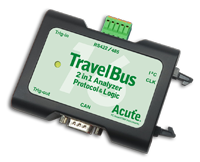
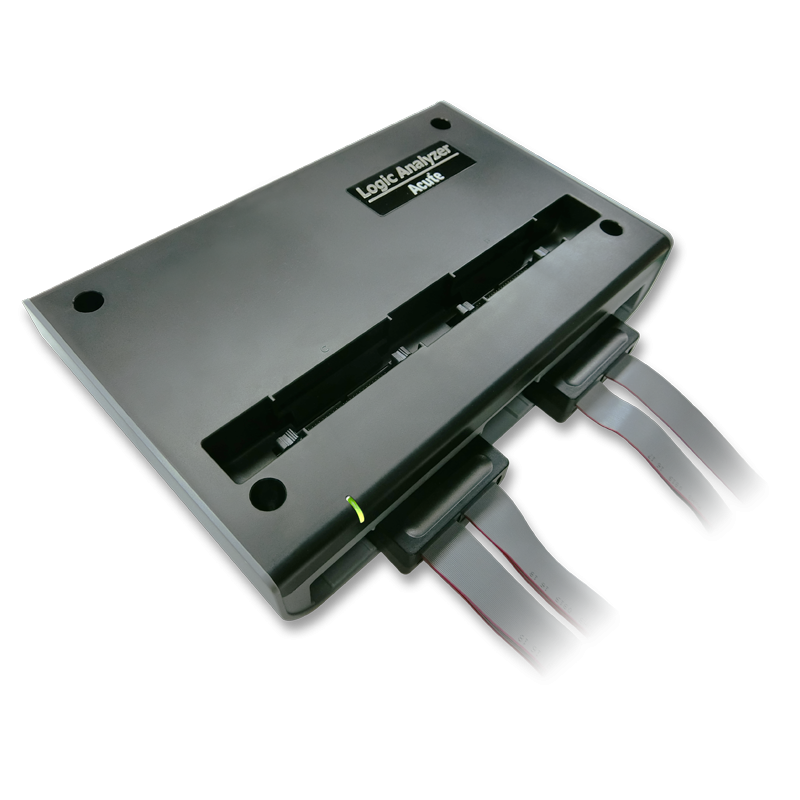
All Supporting Products

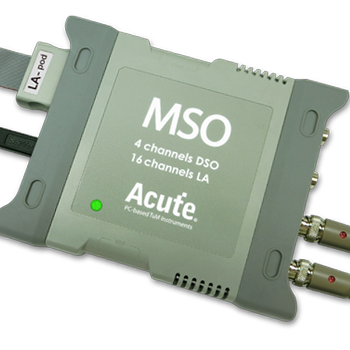
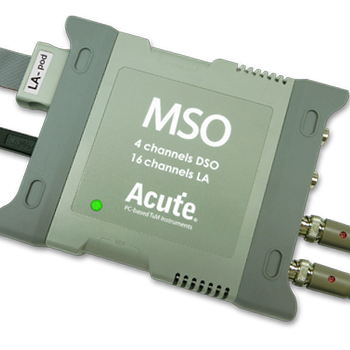
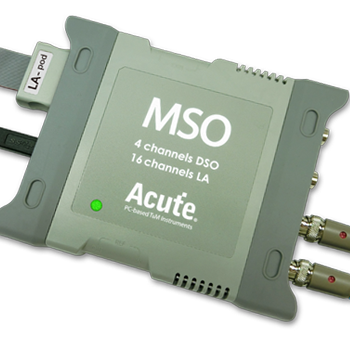


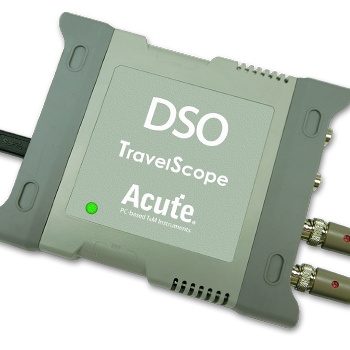
Ready to analyze this protocol?
See how Acute instruments capture and decode this protocol in real time. Request a demo or contact our team.
How to Analyze Modbus with Acute Instruments
Connect your Acute logic analyzer to the Modbus serial lines — TX and RX for RS-232, or A and B data lines for RS-
Attach a ground lead to the system ground reference.
In the Acute software, select the Modbus RTU or Modbus ASCII protocol decoder and assign the data channels.
Configure the baud rate, data bits (typically 8), parity (even, odd, or none), and stop bits to match the Modbus network settings.
Capture and view decoded Modbus frames showing slave addresses, function codes, register addresses, data values, CRC/LRC status, and any exception responses.