UART Protocol Support
Embedded SystemsUniversal Asynchronous Receiver-Transmitter
What is UART?
UART (Universal Asynchronous Receiver-Transmitter) is one of the oldest and most widely used serial communication interfaces in electronics. Unlike synchronous protocols such as SPI and I2C, UART does not use a shared clock signal — instead, both the transmitter and receiver must agree on a baud rate (common rates include 9600, 115200, 460800, and up to several Mbps). UART communication uses two data lines: TX (Transmit) and RX (Receive), enabling full-duplex bidirectional communication. Each data frame consists of a start bit, 5 to 9 data bits, an optional parity bit, and one or two stop bits. UART is the underlying transport for RS-232, RS-422, and RS-485 physical layer standards, and it remains the primary debug console interface for embedded Linux systems, microcontrollers, GPS modules, Bluetooth modules, and cellular modems. Because UART is asynchronous, protocol analysis is particularly important for identifying baud rate mismatches, framing errors, parity errors, and break conditions that are difficult to diagnose from raw waveforms alone. Engineers frequently need to capture and decode UART data to verify firmware debug output, monitor modem AT commands, and validate data integrity between two devices. A logic analyzer with UART decode translates bit-level signals into readable ASCII or hex data streams.
UART Quick Reference
| type | Serial, asynchronous |
| signals | TX, RX |
| max Speed | Up to 3 Mbps typical |
| voltage Range | 1.8V – 5V (TTL) / ±12V (RS-232) |
| duplex | Full-duplex |
Acute Instruments Supporting UART
Recommended Solutions
Recommended for Decode

TB3016F
With Analog Channels
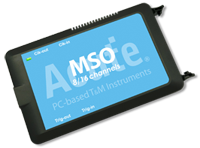
MSO2116E
With Electrical Validation
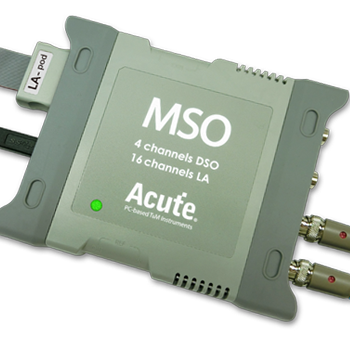
MSO3124V
RS232
All Supporting Products

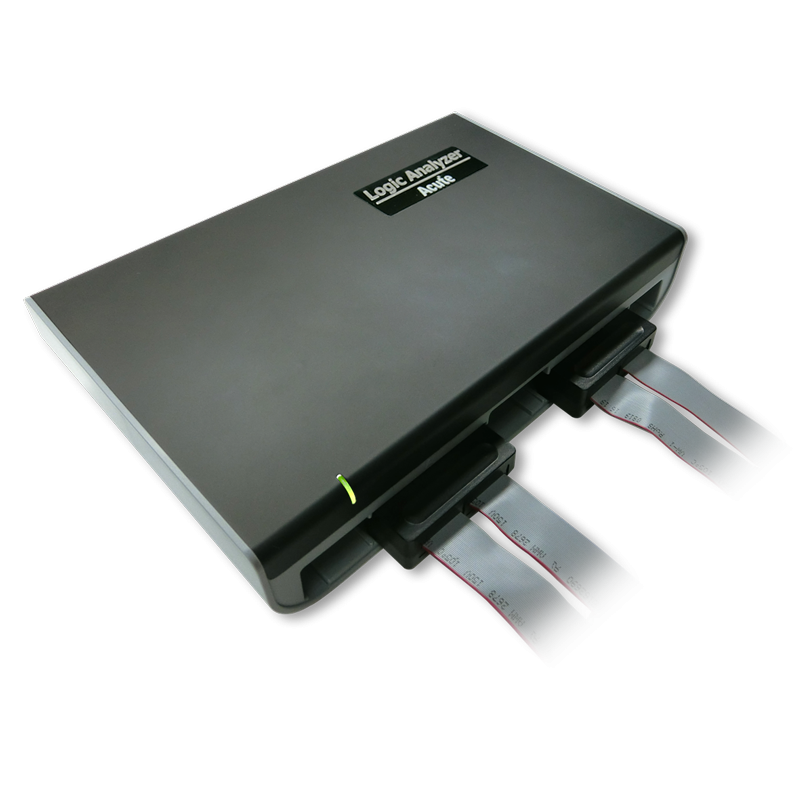
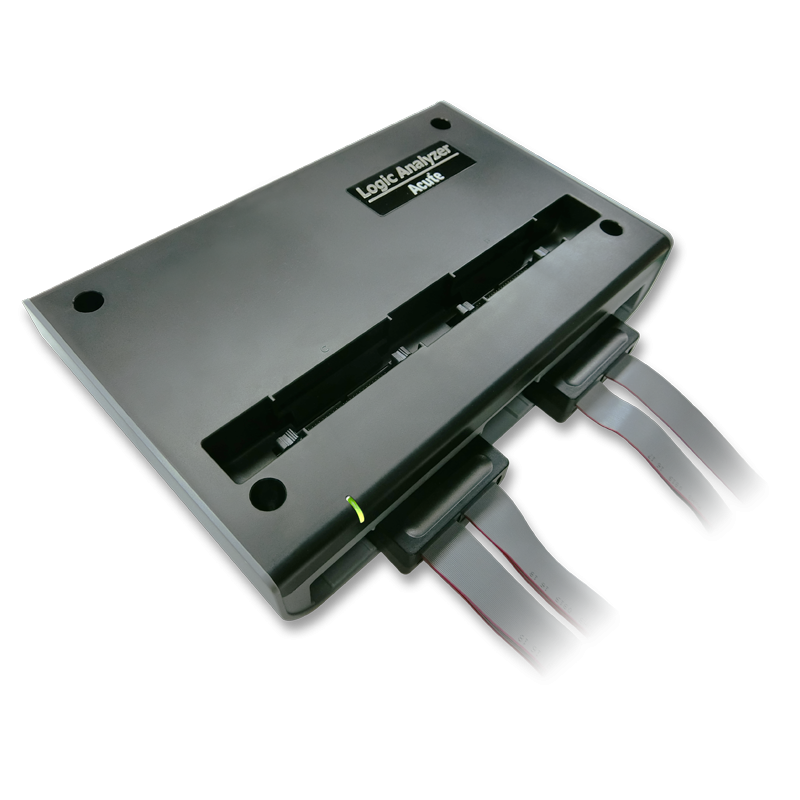
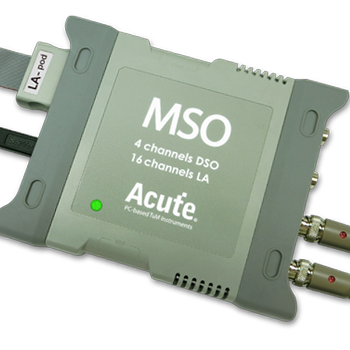
MSO3000 Series
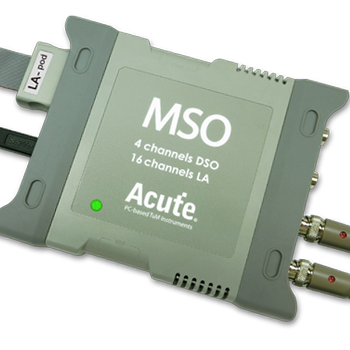
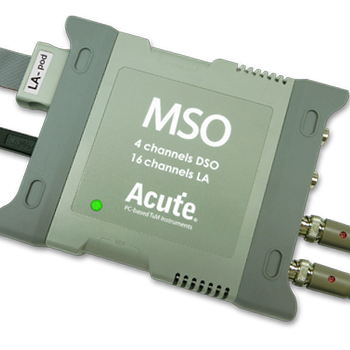
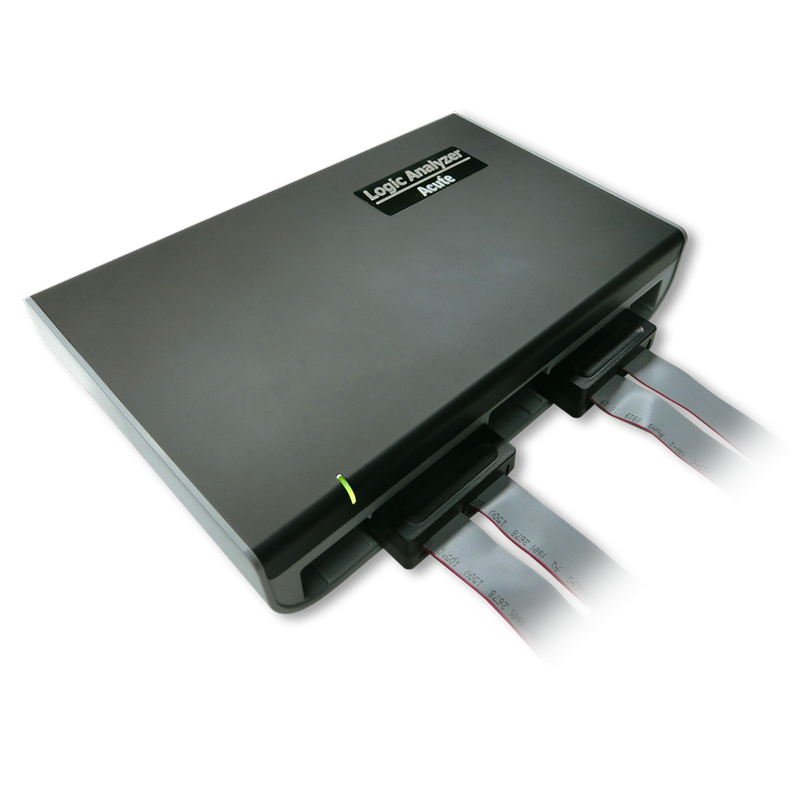
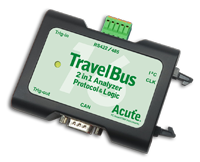
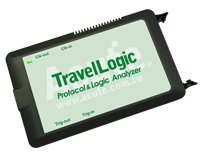
TravelBus Series

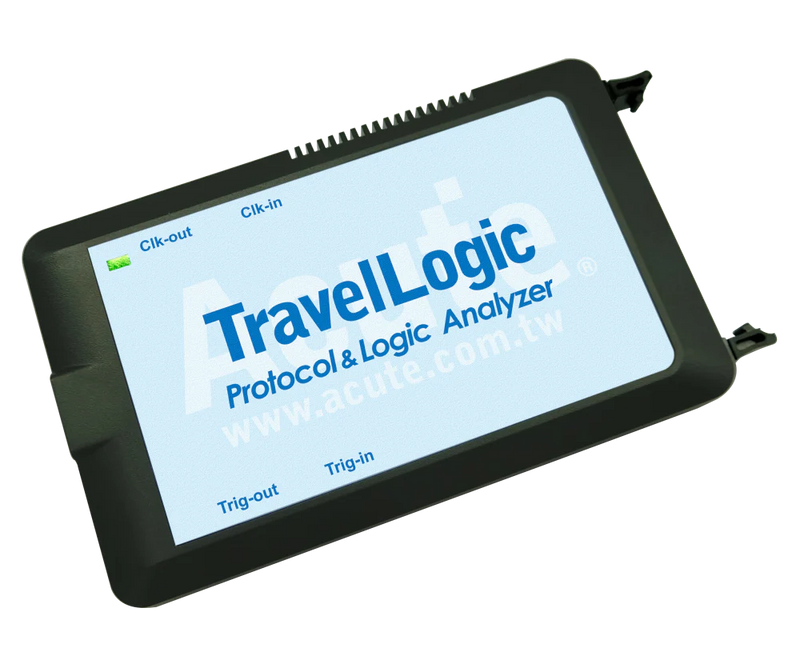
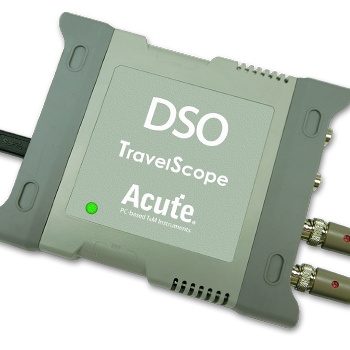
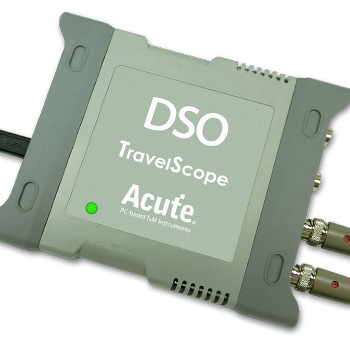
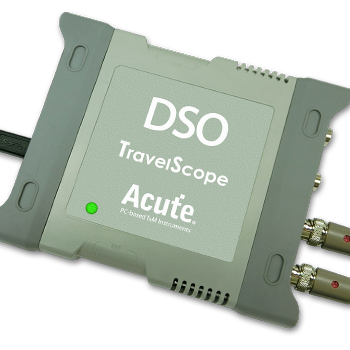
PX2000 Series

Ready to analyze this protocol?
See how Acute instruments capture and decode this protocol in real time. Request a demo or contact our team.
How to Analyze UART with Acute Instruments
Connect your Acute logic analyzer to the TX and RX lines of the UART bus — use one channel for each direction.
Attach a ground lead to the target board's ground.
In the Acute software, select the UART protocol decoder and assign the TX and RX channels.
Configure the baud rate, data bits (typically 8), parity (none, even, or odd), and stop bits (1 or 2) to match the device settings.
Capture and view decoded data as hex values or ASCII text, with framing errors and parity errors highlighted for easy identification.
Related Articles
How to Choose the Right Logic Analyzer for Your Project
A practical decision guide for selecting the right Acute logic analyzer or MSO by channel count, sample rate, protocol decode, and portability requirements.
PX2816B Protocol Exerciser: Stimulus and Response Testing for Embedded Interfaces
How the PX2816B Protocol Exerciser generates protocol stimulus, validates device responses, and automates compliance testing for I2C, UART, and MIPI I3C.
Getting Started with Acute Test Instruments
First-time setup guide for Acute instruments — software installation, USB connection, first capture, and basic protocol decode configuration for I2C, SPI, and UART.
UART Downloads & Resources
Software
Application software for the TravelBus protocol and logic analyzer series. Windows 10/11.
Linux application for the TravelBus series. Separate native Linux app (not a Windows port) — currently in beta. Download the latest release from GitHub.