SPI Protocol Support
Embedded SystemsSerial Peripheral Interface
What is SPI?
SPI (Serial Peripheral Interface) is a synchronous serial communication protocol widely used for high-speed, short-distance communication between microcontrollers and peripheral devices. Developed by Motorola, SPI uses a master-slave architecture with four primary signals: SCLK (Serial Clock), MOSI (Master Out Slave In), MISO (Master In Slave Out), and CS/SS (Chip Select/Slave Select). Unlike I2C, SPI operates in full-duplex mode, allowing simultaneous data transmission and reception. SPI is the preferred interface for NOR flash memory, SD cards, display controllers, ADCs, DACs, and high-speed sensors due to its simplicity and ability to achieve clock rates exceeding 50 MHz. The protocol has no formal specification, which means implementations vary — engineers must pay attention to clock polarity (CPOL), clock phase (CPHA), bit order, and word size for each device. Common SPI modes (0 through 3) define different combinations of CPOL and CPHA. Protocol analysis is critical for SPI debugging because the lack of standardized framing and acknowledgment makes it difficult to diagnose issues from signal waveforms alone. A protocol analyzer decodes the raw signals into readable command and data bytes, helping engineers verify flash memory read/write operations, sensor register configurations, and data integrity across the bus.
SPI Quick Reference
| type | Serial, synchronous |
| signals | MOSI, MISO, SCK, CS |
| max Speed | Up to 100+ MHz |
| voltage Range | 1.8V – 5V |
| duplex | Full-duplex |
Acute Instruments Supporting SPI
Recommended Solutions
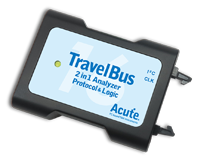
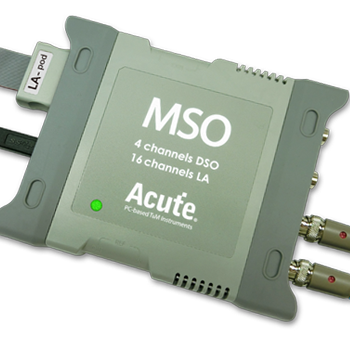
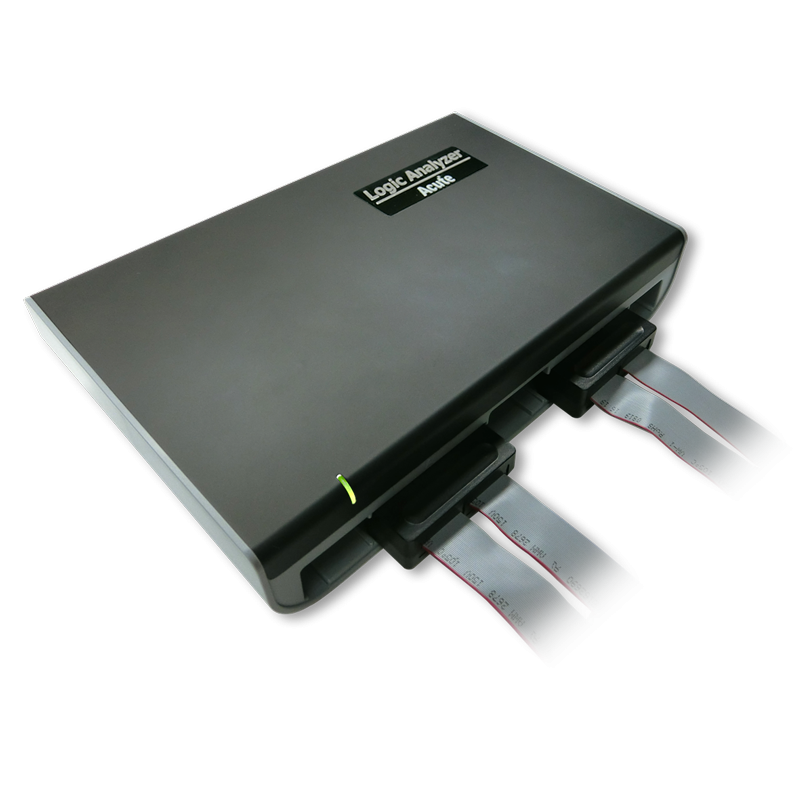
All Supporting Products

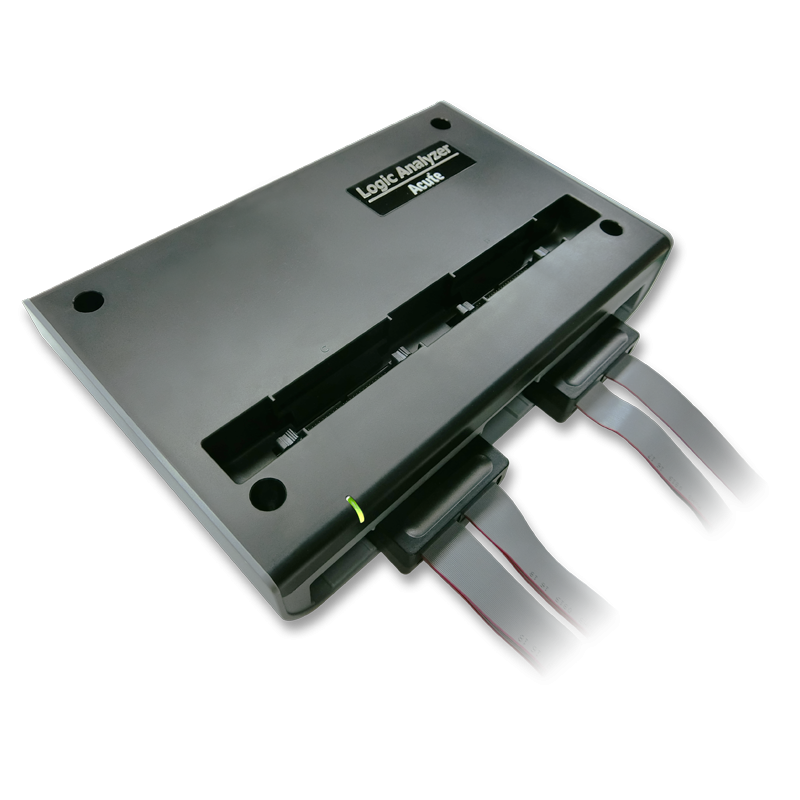
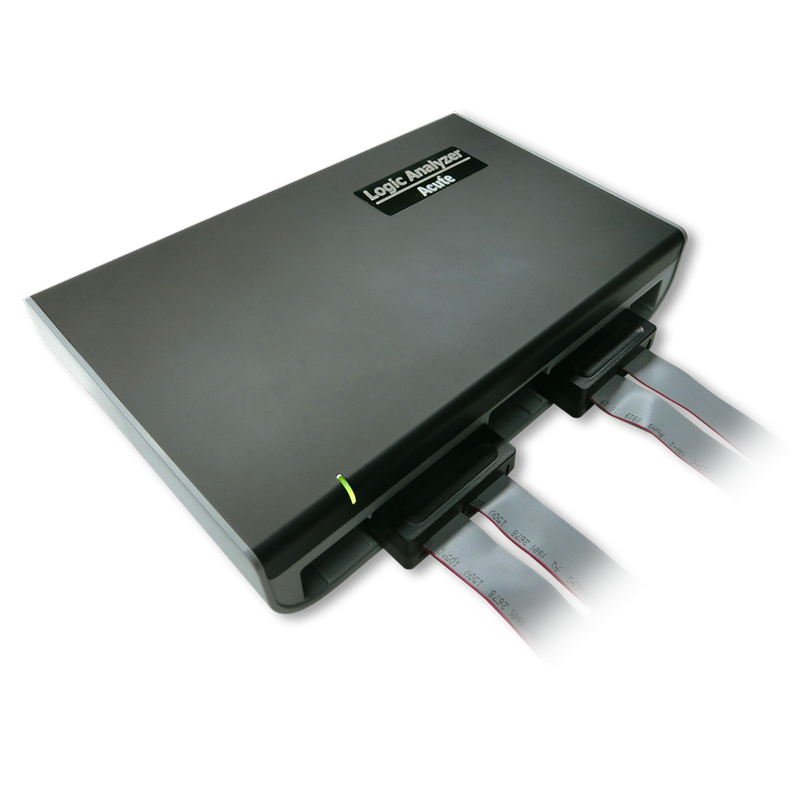
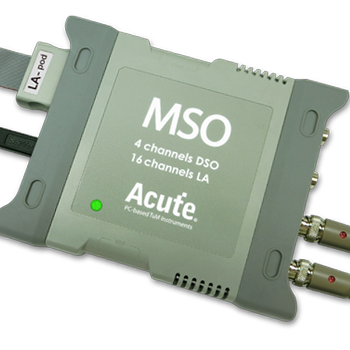
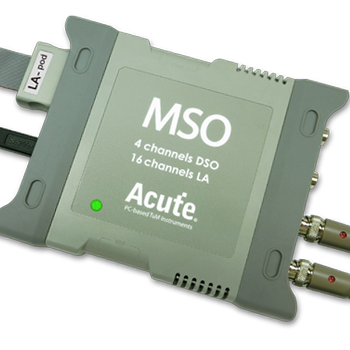
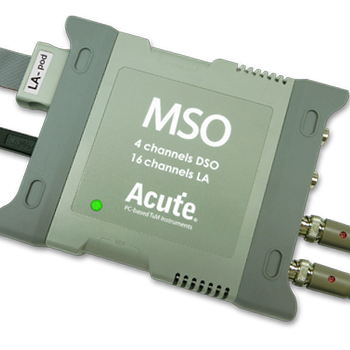
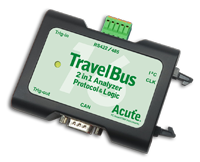
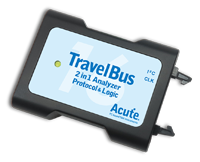
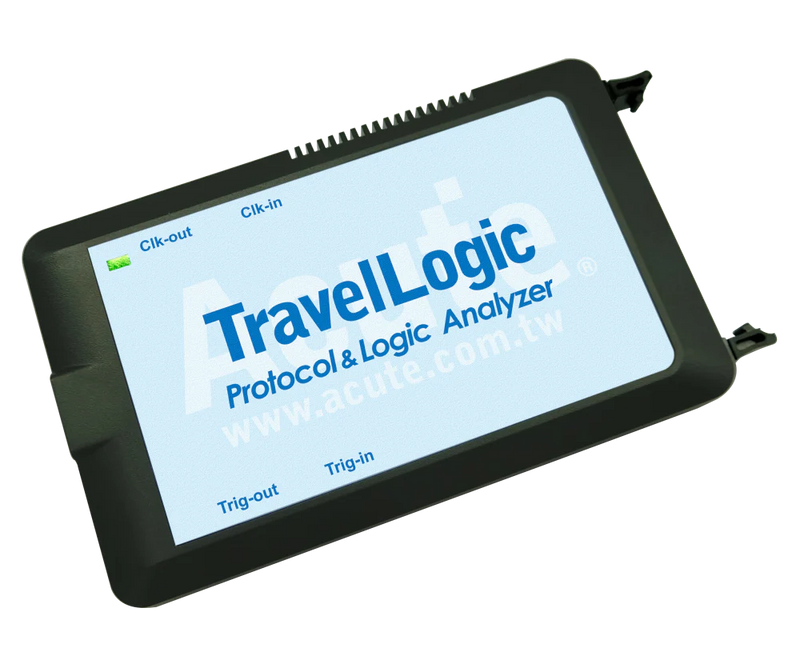
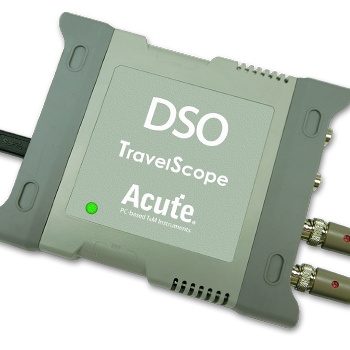
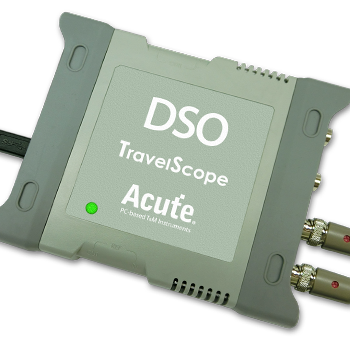
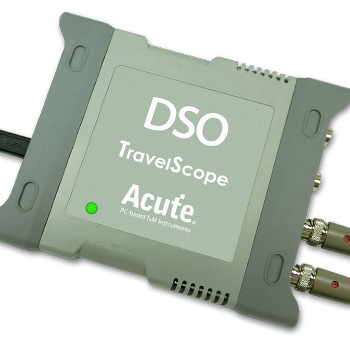
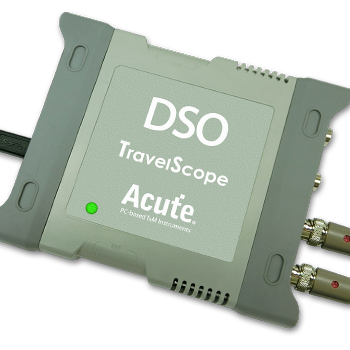
Ready to analyze this protocol?
See how Acute instruments capture and decode this protocol in real time. Request a demo or contact our team.
How to Analyze SPI with Acute Instruments
Connect your Acute logic analyzer to the SCLK, MOSI, MISO, and CS lines of the SPI bus.
Attach a ground lead to the target board's ground reference.
In the Acute software, select the SPI protocol decoder and assign each signal (SCLK, MOSI, MISO, CS) to the corresponding input channel.
Configure the SPI mode (CPOL/CPHA), bit order (MSB or LSB first), and word size (typically 8 bits).
Capture the traffic and view decoded data for both MOSI and MISO directions simultaneously, with chip select framing for each transaction.
Related Articles
How to Choose the Right Logic Analyzer for Your Project
A practical decision guide for selecting the right Acute logic analyzer or MSO by channel count, sample rate, protocol decode, and portability requirements.
Getting Started with Acute Test Instruments
First-time setup guide for Acute instruments — software installation, USB connection, first capture, and basic protocol decode configuration for I2C, SPI, and UART.
eSPI Bus Analysis for Intel Platform Validation
How to capture and analyze eSPI (Enhanced Serial Peripheral Interface) bus traffic for Intel platform bring-up, EC firmware debugging, and system validation.
SPI Downloads & Resources
Software
Application software for the TravelBus protocol and logic analyzer series. Windows 10/11.
Linux application for the TravelBus series. Separate native Linux app (not a Windows port) — currently in beta. Download the latest release from GitHub.