eMMC Protocol Support
StorageEmbedded Multi-Media Card
What is eMMC?
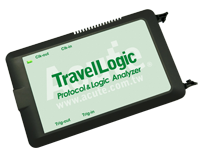
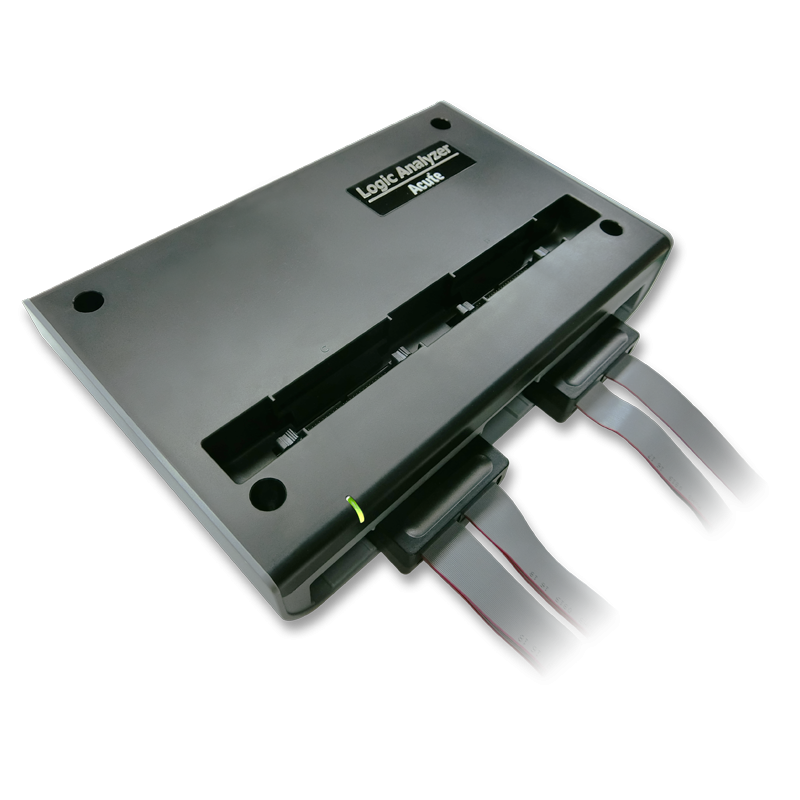
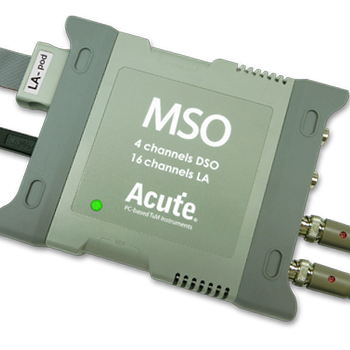
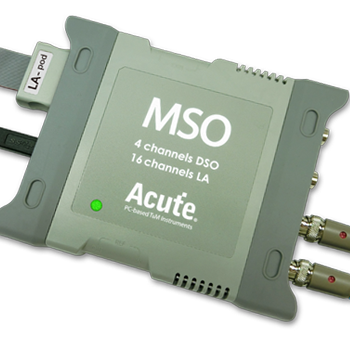
eMMC (embedded MultiMediaCard) is a managed NAND flash storage interface widely used in smartphones, tablets, IoT devices, automotive infotainment systems, and embedded computing platforms. The eMMC interface consists of a CLK (clock) line, a CMD (command/response) line, and either 1, 4, or 8 DAT (data) lines operating in parallel. Modern eMMC standards (5.0 and 5.1) support data transfer rates up to 400 MB/s in HS400 mode using DDR signaling on the data lines. The protocol uses a command-response architecture where the host sends commands on the CMD line and the eMMC device responds, followed by data transfers on the DAT lines. Common operations include block read, block write, erase, and device configuration via the Extended CSD register. Protocol analysis is essential for eMMC development because debugging storage issues requires visibility into the command-response sequence, data transfer timing, and error conditions such as CRC errors, command timeouts, and busy signal handling. Engineers working on eMMC bring-up, driver development, or performance optimization need to verify command sequences, measure actual throughput, and identify bottlenecks. **Acute version coverage:** The TravelLogic, LA4000, and MSO2000/3000 logic analyzers decode eMMC 4.5/MMC (and JEDEC eMMC 4.5 modes). For full eMMC 5.0 and eMMC 5.1 protocol analysis — including HS400 at 400 MB/s with hardware-accelerated decoding — Acute's BF7264 Pro Protocol Analyzer with the eMMC 5.1 option is the recommended solution.
eMMC Quick Reference
| type | Parallel |
| signals | CLK, CMD, DAT0-7 |
| max Speed | Up to 400 MHz (HS400) |
| voltage Range | 1.8V / 3.3V |
| bus Width | 8-bit data bus |

Ready to analyze this protocol?
See how Acute instruments capture and decode this protocol in real time. Request a demo or contact our team.
How to Analyze eMMC with Acute Instruments
Connect your Acute logic analyzer to the eMMC CLK, CMD, and DAT0-DAT7 lines (up to 10 channels for 8-bit mode).
Attach a ground lead to the target board's ground.
In the Acute software, select the eMMC protocol decoder and assign each signal to the correct channel.
Configure the bus width (1-bit, 4-bit, or 8-bit) and expected speed mode (SDR, DDR, HS200, HS400).
Capture and view decoded eMMC transactions showing commands (CMD0-CMD63), responses (R1, R1b, R2, R3, etc.), data blocks, and CRC status for each transfer.
eMMC Downloads & Resources
Software
Application software for BusFinder protocol analyzers, LA3000, and LA4000 logic analyzers. Windows 10/11.
Linux application for the BusFinder and LA4000 series. Separate native Linux app — currently in beta. Download the latest release from GitHub.