SD UHS Protocol Support
StorageSD/SDIO UHS-I/UHS-II
What is SD UHS?
SD UHS (Ultra High Speed) encompasses the UHS-I and UHS-II interface specifications for SD memory cards, offering significantly faster data transfer rates than legacy SD modes. UHS-I operates on the standard SD interface with a single row of pins, supporting SDR50 (50 MB/s), SDR104 (104 MB/s), and DDR50 (50 MB/s DDR) transfer modes at 1.8V signaling. UHS-II adds a second row of pins to the SD connector, providing two additional differential lanes (D0 and D1) for full-duplex communication at up to 312 MB/s per lane. The SD protocol uses a command-response architecture with CMD and DAT lines, where the host sends commands on the CMD line and the card responds, followed by data transfers on 1 or 4 DAT lines. SD UHS interfaces are found in cameras, drones, single-board computers, automotive dashcams, medical imaging devices, and any application requiring high-speed removable storage. Protocol analysis for SD UHS is critical because the high-speed signaling, voltage switching (from 3.3V to 1.8V), and complex initialization sequences create numerous opportunities for compatibility and performance issues. Engineers need to verify the initialization handshake, speed mode negotiation, command-response timing, and sustained data throughput to ensure reliable card operation across different manufacturers and speed classes.
SD UHS Quick Reference
| type | Parallel / serial |
| signals | CLK, CMD, DAT0-3 |
| max Speed | 104 MHz (UHS-I) / 312 MHz (UHS-II) |
| voltage Range | 1.8V / 3.3V |
| bus Width | 4-bit data bus |

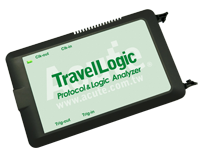
Ready to analyze this protocol?
See how Acute instruments capture and decode this protocol in real time. Request a demo or contact our team.
How to Analyze SD UHS with Acute Instruments
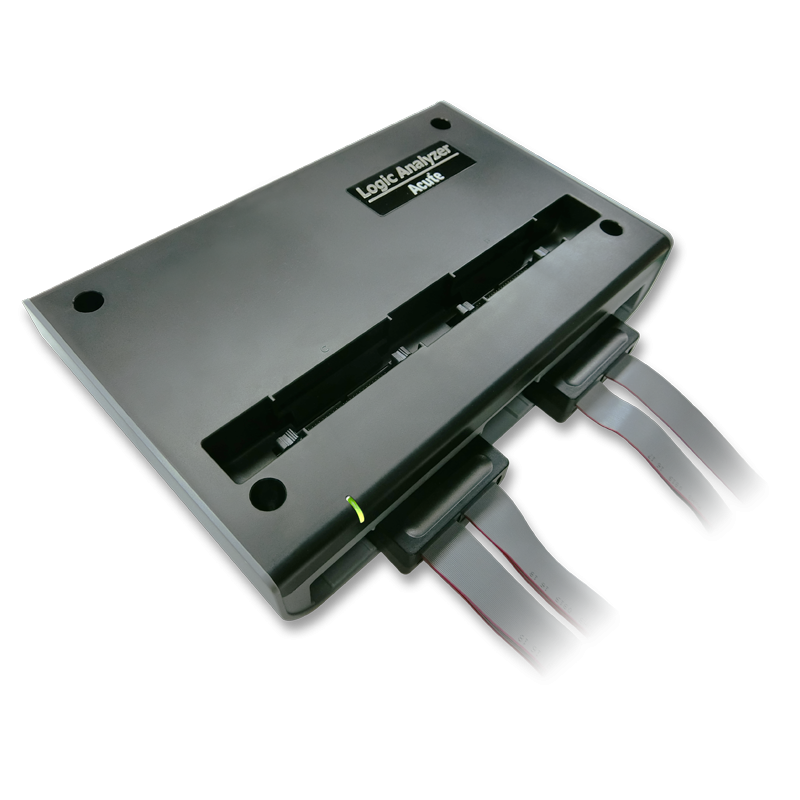
Connect your Acute logic analyzer to the SD interface signals: CLK, CMD, and DAT0-DAT3 (for 4-bit mode).
Attach a ground lead to the host board's ground reference.
In the Acute software, select the SD protocol decoder and assign each signal to the corresponding channel.
Configure the bus width (1-bit or 4-bit) and expected UHS speed mode (SDR12, SDR25, SDR50, SDR104, or DDR50).
Capture and decode SD transactions showing commands (CMD0-CMD63, ACMD), responses (R1, R2, R3, R6, R7), data blocks, and CRC status for read and write operations.
SD UHS Downloads & Resources
Software
Application software for BusFinder protocol analyzers, LA3000, and LA4000 logic analyzers. Windows 10/11.
Linux application for the BusFinder and LA4000 series. Separate native Linux app — currently in beta. Download the latest release from GitHub.