M-PESTI Protocol Support
Computers & ServersManagement Peripheral Encapsulation of Sideband Transport Interface
What is M-PESTI?
M-PESTI (Management Peripheral Encapsulation of Sideband Transport Interface) is an Intel-defined protocol for encapsulating management peripheral traffic over a sideband transport link in server and computing platforms. M-PESTI enables platform management controllers to communicate with remote peripherals over a serial interface, consolidating multiple management bus functions onto a single link. The protocol is used in modern Intel server architectures to reduce pin count and simplify management bus routing. Engineers working on Intel platform bring-up need M-PESTI decode capability to debug sideband communication, verify peripheral access, and diagnose transport-layer errors.
M-PESTI Quick Reference
| type | Serial |
| signals | CLK, DATA |
| features | Intel sideband transport |
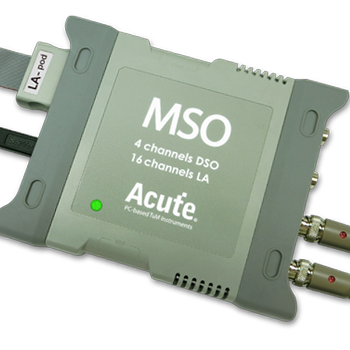
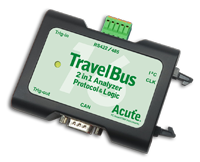
Acute Instruments Supporting M-PESTI
All Supporting Products


Ready to analyze this protocol?
See how Acute instruments capture and decode this protocol in real time. Request a demo or contact our team.
How to Analyze M-PESTI with Acute Instruments
Connect your Acute logic analyzer to the M-PESTI CLK and DATA sideband signals on the platform board.
Attach a ground lead to the target board's ground reference.
In the Acute software, select the M-PESTI protocol decoder and assign CLK and DATA to the correct input channels.
Configure the decoder for the expected transport parameters.
Capture and view decoded M-PESTI frames showing encapsulated peripheral commands, responses, and transport status.