MIPI DSI LP Protocol Support
Display & CameraMIPI DSI Low-Power Mode
What is MIPI DSI LP?
MIPI DSI Low-Power (LP) mode is the command channel of the MIPI Display Serial Interface, used for display panel initialization, configuration, and status queries. While DSI high-speed mode carries pixel data at multi-Gbps rates, LP mode operates at up to 10 Mbps on the D-PHY data lane LP signals. LP mode carries DCS (Display Command Set) commands, manufacturer-specific commands, and generic read/write packets that configure display timing, gamma, power mode, and other panel parameters. Engineers debugging display bring-up issues need to decode DSI LP mode to verify initialization command sequences, read back panel ID and status registers, and diagnose why a display panel fails to light up or shows incorrect output.
MIPI DSI LP Quick Reference
| type | Serial, low-power |
| signals | D-PHY LP signals |
| max Speed | 10 Mbps |
| voltage Range | 1.2V |
| features | Display command channel |
Acute Instruments Supporting MIPI DSI LP
Recommended Solutions
Recommended for Decode
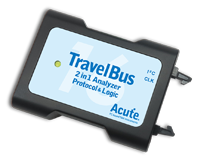
TB3016F
All Supporting Products
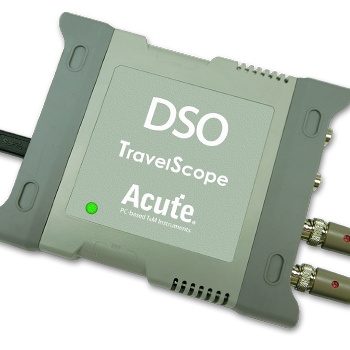
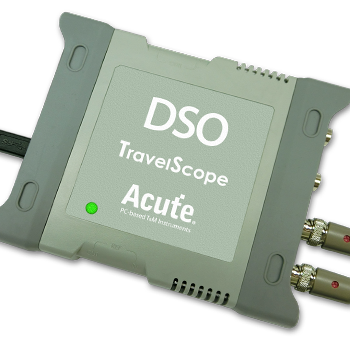
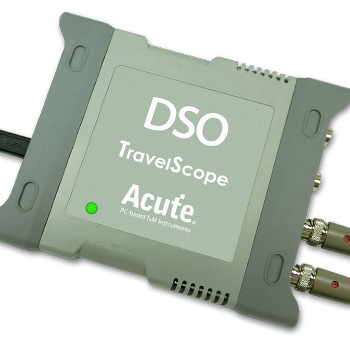
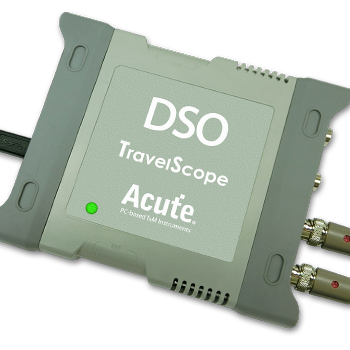
Supported Product Families

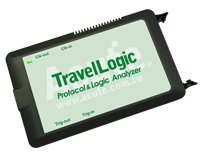
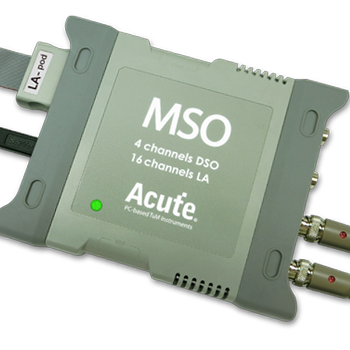
Ready to analyze this protocol?
See how Acute instruments capture and decode this protocol in real time. Request a demo or contact our team.
How to Analyze MIPI DSI LP with Acute Instruments
Connect your Acute logic analyzer to the DSI data lane LP signals (Dp and Dn for data lane 0) and the clock lane.
Attach a ground lead to the target board's ground reference.
In the Acute software, select the MIPI DSI LP protocol decoder and assign the LP signals to the correct input channels.
Configure the decoder for the expected DSI protocol version and virtual channel.
Capture and view decoded DSI LP packets showing DCS commands, parameters, read responses, and acknowledgments.