MIPI RFFE Protocol Support
Mobile DevicesMIPI RF Front-End
What is MIPI RFFE?
MIPI RFFE (RF Front-End Control Interface) is a compact, high-speed serial interface developed by the MIPI Alliance for controlling RF front-end components in mobile devices. RFFE connects the baseband processor or RF transceiver to power amplifiers, antenna tuners, antenna switch modules, low-noise amplifiers, and other RF components using just two signal lines: SCLK and SDATA. The protocol operates at clock speeds up to 26 MHz and supports single-bit and multi-bit data transfers with a command-response architecture. RFFE defines several transaction types including register write, register read, extended register write/read (for devices with larger register maps), and masked write operations. Each device on the bus is assigned a unique 4-bit Slave ID (USID), allowing up to 15 devices on a single bus. Triggering is supported through a trigger mechanism that allows synchronized actions across multiple RF components. RFFE is found in every modern smartphone, tablet, and cellular IoT device that uses RF communication. Protocol analysis for RFFE is important because RF front-end calibration, power amplifier control, and antenna tuning require precise register configuration — errors in RFFE communication can cause poor signal quality, excessive power consumption, or regulatory compliance failures. Engineers need to verify register read/write sequences, timing between transactions, and proper device addressing.
MIPI RFFE Quick Reference
| type | Serial, synchronous |
| signals | SCLK, SDATA |
| max Speed | 26 MHz |
| voltage Range | 1.8V |
| features | RF transceiver control |
Acute Instruments Supporting MIPI RFFE
Recommended Solutions
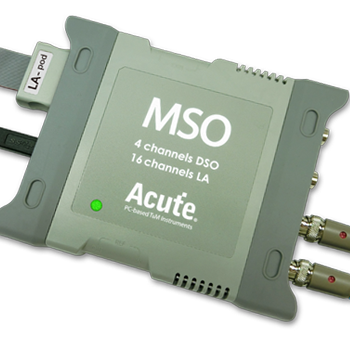
All Supporting Products

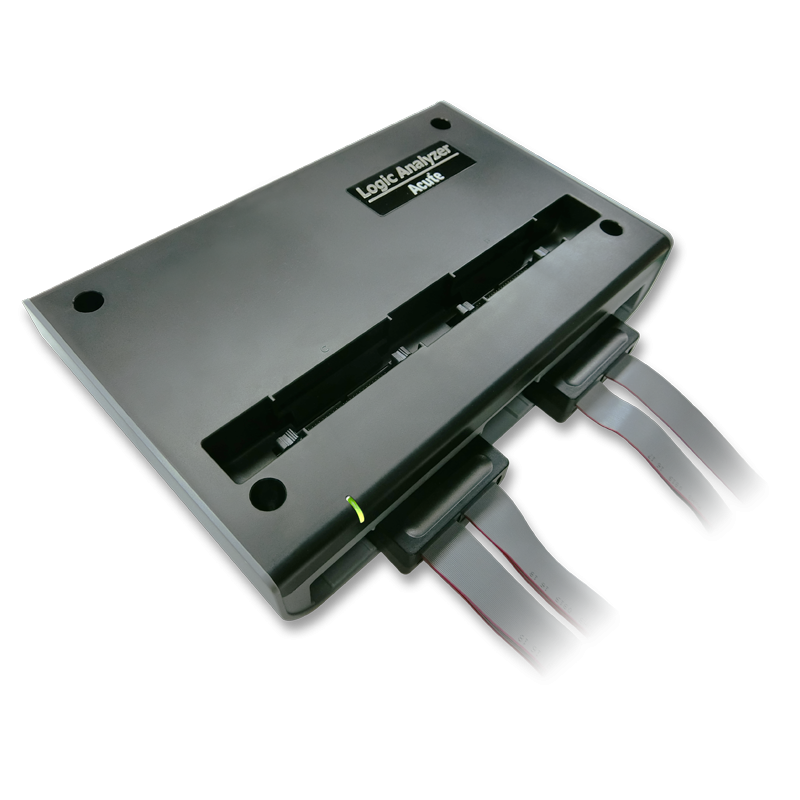
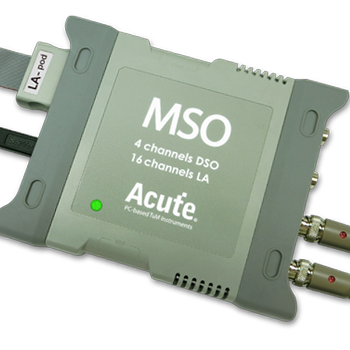


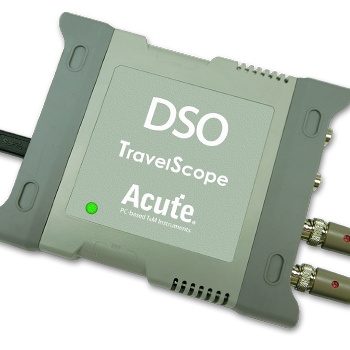
Ready to analyze this protocol?
See how Acute instruments capture and decode this protocol in real time. Request a demo or contact our team.
How to Analyze MIPI RFFE with Acute Instruments
Connect your Acute logic analyzer to the RFFE SCLK and SDATA lines on the RF front-end module or mobile platform.
Attach a ground lead to a ground reference near the RFFE bus.
In the Acute software, select the MIPI RFFE protocol decoder and assign SCLK and SDATA to the correct channels.
Configure the expected RFFE bus speed and any device-specific register maps if available.
Capture and view decoded RFFE transactions showing command types (register write, read, extended write/read), slave IDs (USID), register addresses, data values, and parity status.