MIPI SPMI Protocol Support
PowerMIPI System Power Management Interface
What is MIPI SPMI?
MIPI SPMI (System Power Management Interface) is a two-wire serial interface developed by the MIPI Alliance for communication between application processors and power management ICs (PMICs) in mobile devices. SPMI uses SCLK and SDATA lines operating at up to 26 MHz, providing a high-speed, low-pin-count connection for controlling voltage regulators, battery chargers, GPIO expanders, ADCs, and other power management functions integrated into the PMIC. The protocol supports up to 16 master IDs and 16 slave IDs on a single bus, with transaction types including register write, register read, extended register write/read (for larger address spaces), authentication, and reset commands. SPMI defines a master arbitration mechanism allowing multiple processors to share the same PMIC bus. Each transaction includes a sequence start condition, slave address, command frame, and optional data frames with parity checking. SPMI is found in virtually every modern smartphone, tablet, and wearable device, as well as in automotive and IoT platforms that use mobile-derived SoCs. Protocol analysis for SPMI is essential because PMIC configuration directly affects system power delivery, battery life, and thermal management. Engineers need to verify voltage regulator settings, debug power sequencing issues, validate PMIC firmware updates, and troubleshoot system stability problems that often trace back to incorrect SPMI register configurations or timing violations.
MIPI SPMI Quick Reference
| type | Serial, synchronous |
| signals | SCLK, SDATA |
| max Speed | 26 MHz |
| voltage Range | 1.8V |
| features | PMIC control for mobile |
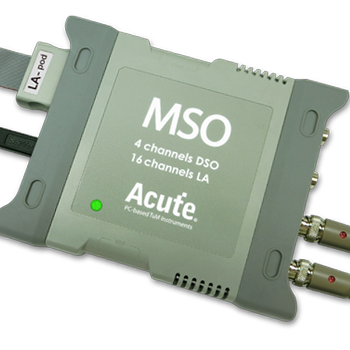
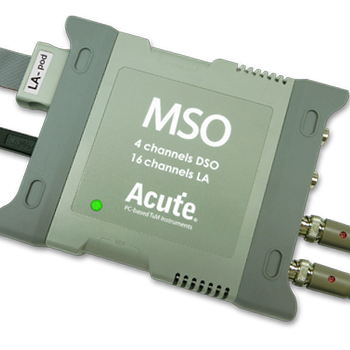
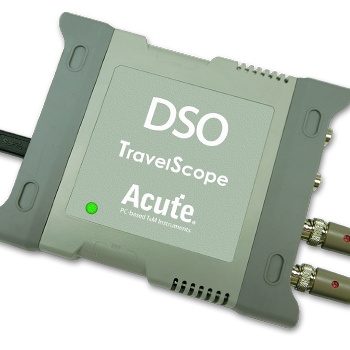
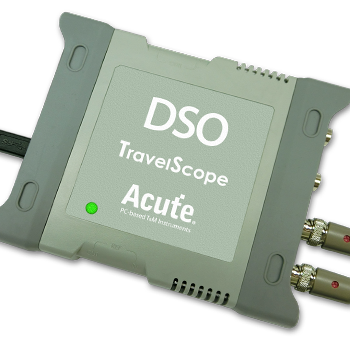
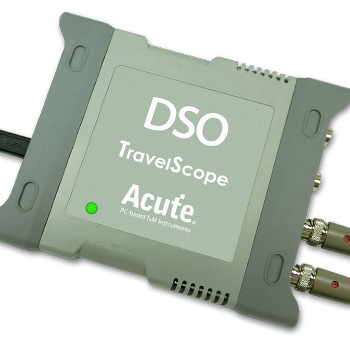
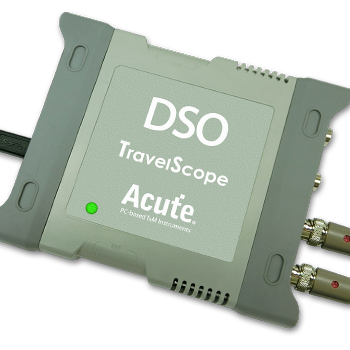
Acute Instruments Supporting MIPI SPMI
Recommended Solutions
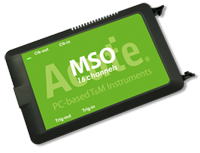
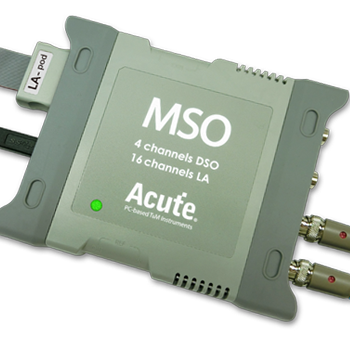
All Supporting Products

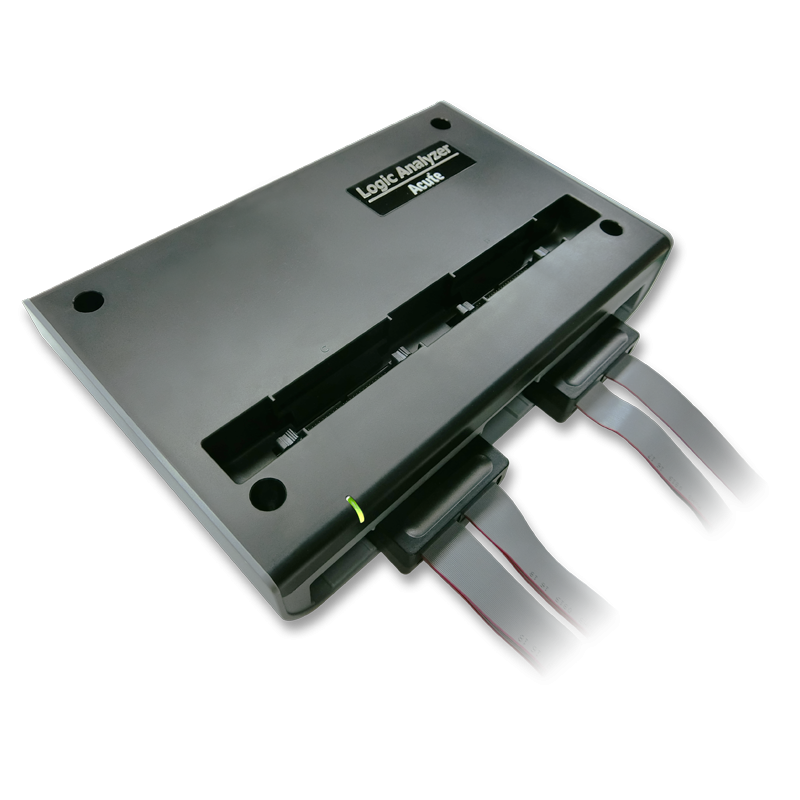


Ready to analyze this protocol?
See how Acute instruments capture and decode this protocol in real time. Request a demo or contact our team.
How to Analyze MIPI SPMI with Acute Instruments
Connect your Acute logic analyzer to the SPMI SCLK and SDATA lines on the mobile platform or PMIC evaluation board.
Attach a ground lead to the board's ground reference.
In the Acute software, select the MIPI SPMI protocol decoder and assign SCLK and SDATA to the correct channels.
Configure the decoder for the expected SPMI version and bus speed.
Capture and view decoded SPMI transactions showing command types (register read/write, extended read/write, reset), slave IDs, register addresses, data values, and parity status for each frame.