MIPI SoundWire Protocol Support
AudioMIPI SoundWire Audio Interface
What is MIPI SoundWire?
MIPI SoundWire is a next-generation audio interface standard designed to replace legacy audio buses like I2S, SLIMbus, and proprietary codec interfaces in mobile and computing platforms. It uses a two-wire interface (clock and data) to carry multiple audio streams, control commands, and bulk data transfers over a single bus. SoundWire supports multi-device topologies with up to 11 peripheral devices, dynamic channel allocation, and clock scaling for power efficiency. Engineers working with modern audio codecs, amplifiers, and microphone arrays on SoundWire need protocol-level visibility to debug device enumeration, stream allocation, and data transport issues.
MIPI SoundWire Quick Reference
| type | Serial, synchronous |
| signals | CLK, DATA |
| max Speed | 12.288 MHz |
| voltage Range | 1.8V |
| standard | MIPI SoundWire 1.2 |
Acute Instruments Supporting MIPI SoundWire
Recommended Solutions
With Analog Channels
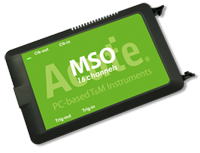
MSO2116B
All Supporting Products
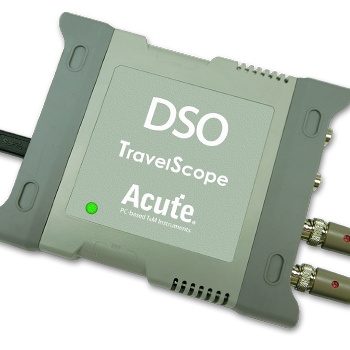
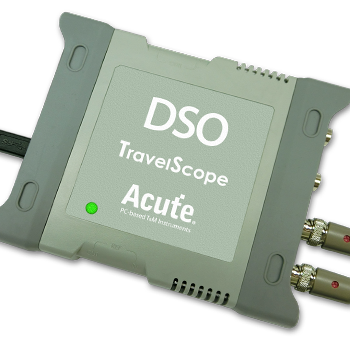
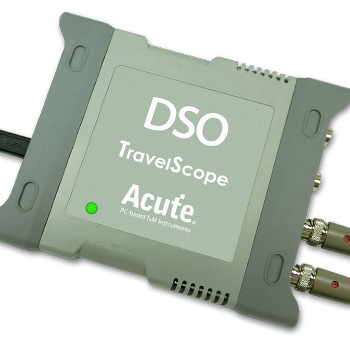
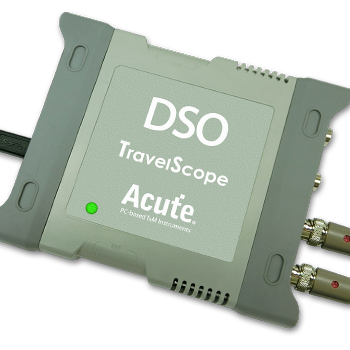
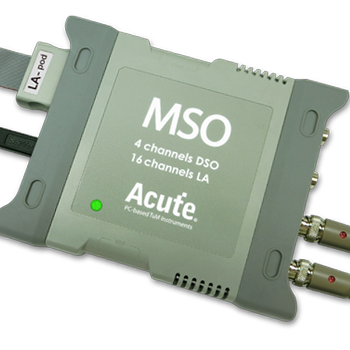
Supported Product Families


Ready to analyze this protocol?
See how Acute instruments capture and decode this protocol in real time. Request a demo or contact our team.
How to Analyze MIPI SoundWire with Acute Instruments
Connect your Acute logic analyzer to the SoundWire CLK and DATA lines between the master and peripheral devices.
Attach a ground lead to the target board's ground reference.
In the Acute software, select the MIPI SoundWire protocol decoder and assign CLK and DATA to the correct input channels.
Configure the expected frame rate and column/row settings matching your SoundWire configuration.
Capture and view decoded SoundWire frames, including control words, device status, and audio data payload assignments.