PDM Protocol Support
AudioPulse Density Modulation
What is PDM?
PDM (Pulse Density Modulation) is a single-bit digital audio encoding used primarily as the output format for MEMS digital microphones. A PDM stream consists of a clock signal (CLK) driven by the host and a data signal (DATA) driven by the microphone, where the density of logic-high pulses represents the instantaneous amplitude of the audio signal. PDM microphones are found in smartphones, laptops, smart speakers, hearing aids, and IoT devices due to their small size and simple two-wire interface. Engineers debugging PDM interfaces need to verify clock frequency accuracy, confirm left/right channel selection via clock edge assignment, and validate that the pulse density pattern corresponds to the expected audio input.
PDM Quick Reference
| type | Serial, synchronous |
| signals | CLK, DATA |
| max Speed | Up to 4.8 MHz |
| voltage Range | 1.8V – 3.3V |
| features | Digital microphone interface |
Acute Instruments Supporting PDM
Recommended Solutions
Recommended for Decode
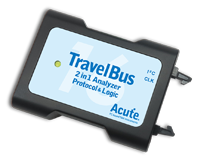
TB3016F
only decode
With Analog Channels
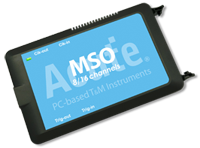
MSO2116E
only decode
With Electrical Validation
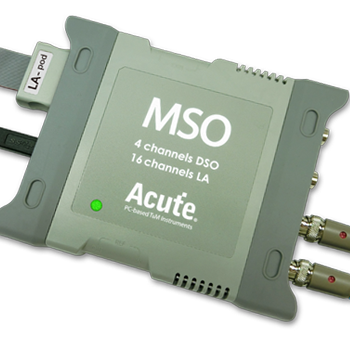
MSO3124V
All Supporting Products
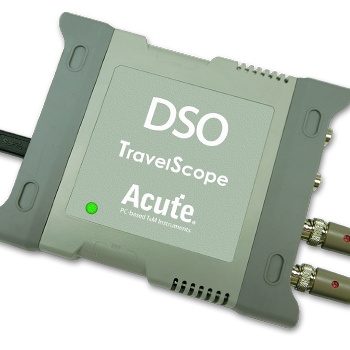
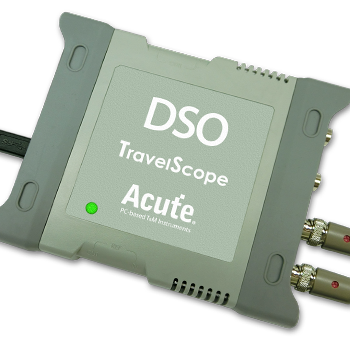
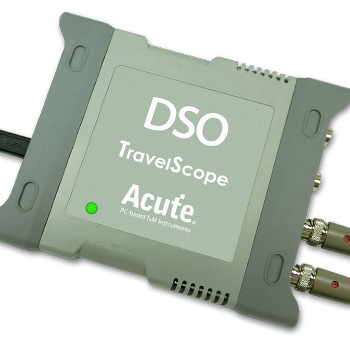
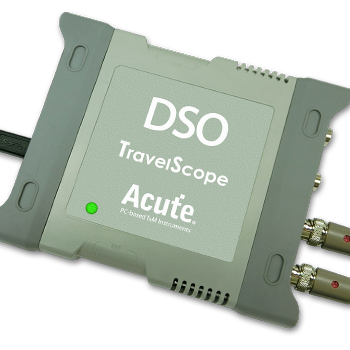
Supported Product Families

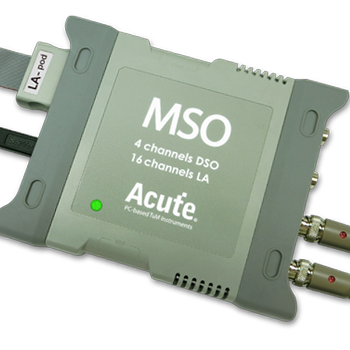
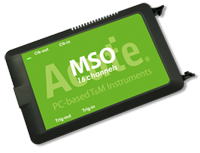
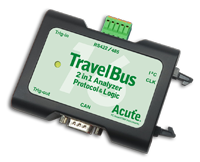
Ready to analyze this protocol?
See how Acute instruments capture and decode this protocol in real time. Request a demo or contact our team.
How to Analyze PDM with Acute Instruments
Connect your Acute logic analyzer to the PDM CLK and DATA lines at the microphone or codec.
Attach a ground lead to the target board's ground reference.
In the Acute software, select the PDM protocol decoder and assign CLK and DATA to the correct input channels.
Configure the expected clock frequency and channel mapping (left on rising edge, right on falling edge, or vice versa).
Capture traffic and view the decoded PDM bitstream, verifying clock timing and data alignment for each audio channel.