PCM Protocol Support
AudioPulse Code Modulation
What is PCM?
PCM (Pulse Code Modulation) in the context of digital audio interfaces refers to the synchronous serial bus commonly used for telephony, Bluetooth audio, and voice processing applications. A PCM interface uses four signals: CLK (bit clock), SYNC (frame sync), DIN (data in), and DOUT (data out). Unlike I2S which is designed for stereo hi-fi audio, the PCM interface is optimized for voice-bandwidth audio at 8 kHz or 16 kHz sample rates with 8-bit or 16-bit resolution. PCM interfaces are widely found connecting Bluetooth modules, cellular modems, and voice codecs to baseband processors. Engineers need to verify frame sync timing, clock accuracy, data alignment, and slot assignment when debugging audio path issues in these systems.
PCM Quick Reference
| type | Serial, synchronous |
| signals | CLK, SYNC, DIN, DOUT |
| max Speed | Up to 8 MHz |
| voltage Range | 1.8V – 3.3V |
| features | Telephony audio interface |
Acute Instruments Supporting PCM
Recommended Solutions
Recommended for Decode
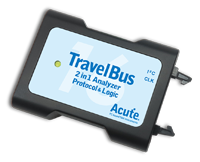
TB3016E
only decode
With Analog Channels
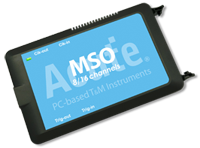
MSO2116E
only decode
All Supporting Products
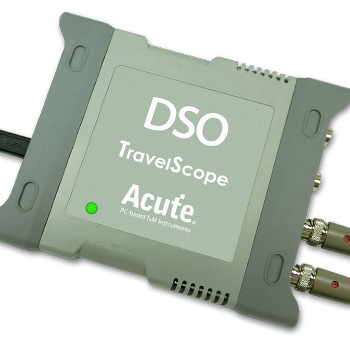
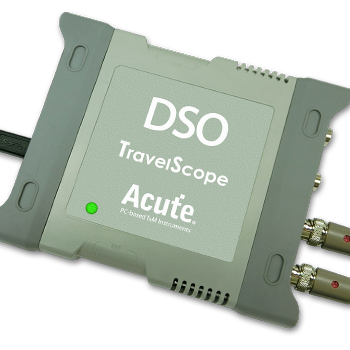
Supported Product Families

Ready to analyze this protocol?
See how Acute instruments capture and decode this protocol in real time. Request a demo or contact our team.
How to Analyze PCM with Acute Instruments
Connect your Acute logic analyzer to the PCM CLK, SYNC, DIN, and DOUT signals at the codec or Bluetooth module.
Attach a ground lead to the target board's ground reference.
In the Acute software, select the PCM protocol decoder and assign each signal to the correct input channel.
Configure the sample rate, bit depth, frame sync polarity, and slot count to match your audio configuration.
Capture traffic and view decoded audio samples for both input and output directions, verifying timing and data alignment.