PLDM Protocol Support
Computers & ServersPlatform Level Data Model over MCTP
What is PLDM?
PLDM (Platform Level Data Model) is a DMTF specification that defines structured data formats and message commands for platform management functions transported over MCTP. PLDM covers sensor monitoring and events, firmware update, BIOS configuration, and Redfish Device Enablement (RDE). It provides the application-layer semantics that BMCs and managed devices use to exchange telemetry, perform firmware updates, and manage platform configuration. Engineers debugging server and data center platform management need PLDM decode to verify sensor readings, firmware update sequences, event handling, and configuration parameter exchanges between the BMC and managed components.
PLDM Quick Reference
| type | Packet-based |
| signals | MCTP transport |
| features | DMTF platform management data model |
Acute Instruments Supporting PLDM
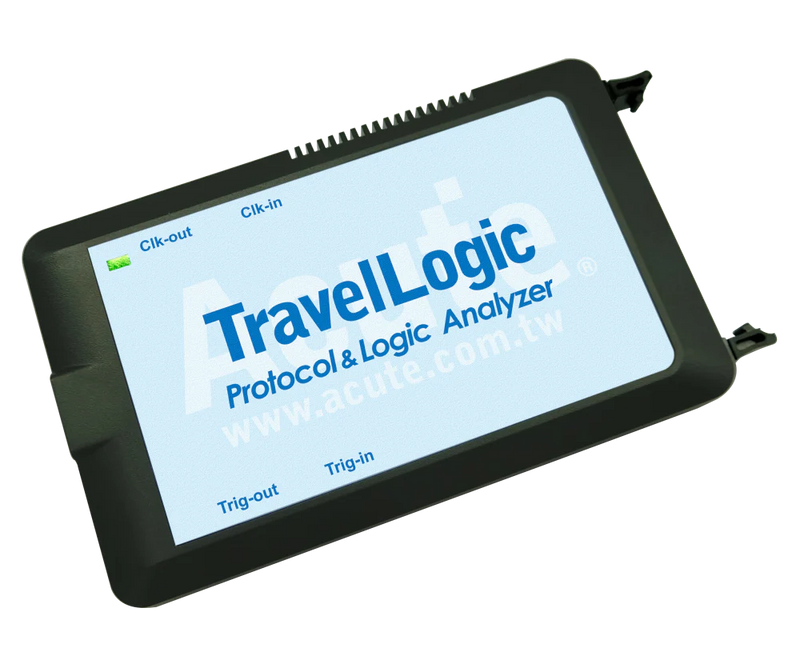

Ready to analyze this protocol?
See how Acute instruments capture and decode this protocol in real time. Request a demo or contact our team.
How to Analyze PLDM with Acute Instruments
Connect your Acute logic analyzer to the MCTP transport interface carrying PLDM traffic.
Attach a ground lead to the target board's ground reference.
In the Acute software, select the PLDM protocol decoder and assign the transport signals to the correct input channels.
Configure the decoder for the MCTP transport binding and PLDM message type of interest.
Capture and view decoded PLDM messages showing command types, sensor readings, completion codes, and data payloads.