SMBus Protocol Support
Computers & ServersSystem Management Bus
What is SMBus?
SMBus (System Management Bus) is a two-wire communication protocol derived from I2C, specifically tailored for system management and power management functions in computing platforms. Defined by Intel and Duracell (now maintained by the SBS Forum), SMBus adds protocol-level features on top of the I2C physical layer including packet error checking (PEC using CRC-8), host notification protocol, alert response, and standardized command sets. SMBus operates at up to 100 kHz (SMBus 1.x) or 400 kHz (SMBus 2.0) and optionally up to 1 MHz (SMBus 3.0) using the SDA and SCL lines. The protocol is critical in laptops, servers, and desktops for communication with battery chargers, voltage regulators, temperature sensors, fan controllers, DIMM SPD EEPROMs, and other system management devices. SMBus defines specific transaction types including Quick Command, Send/Receive Byte, Read/Write Byte, Read/Write Word, Block Read/Write, and Process Call, each with a defined format. Protocol analysis for SMBus is essential because many system-level failures (battery not charging, overheating, DRAM not detected) trace back to SMBus communication issues. Engineers need to verify command formats, check PEC calculations, monitor device responses, and ensure compliance with both the SMBus specification and device-specific command sets.
SMBus Quick Reference
| type | Serial, synchronous |
| signals | SMBDAT, SMBCLK |
| max Speed | 100 – 400 kHz |
| voltage Range | 1.8V – 5V |
| standard | Based on I2C |
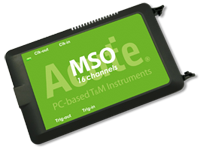
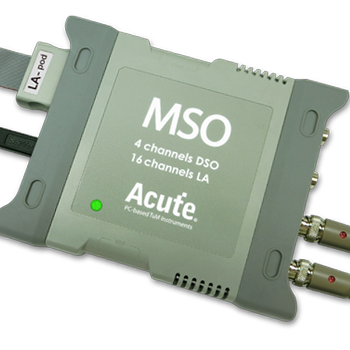
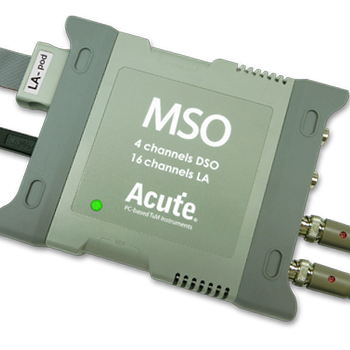
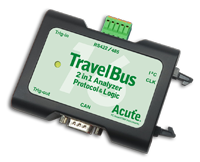
Acute Instruments Supporting SMBus
Recommended Solutions
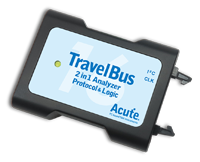
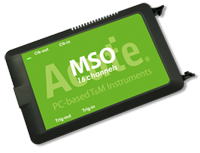
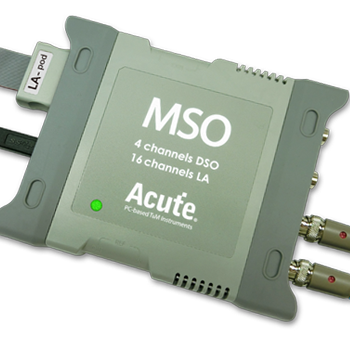
All Supporting Products



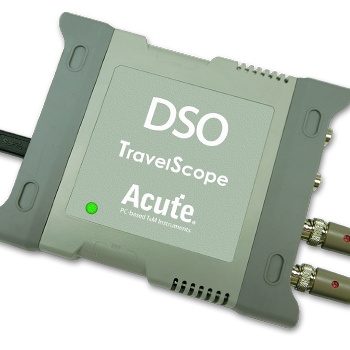
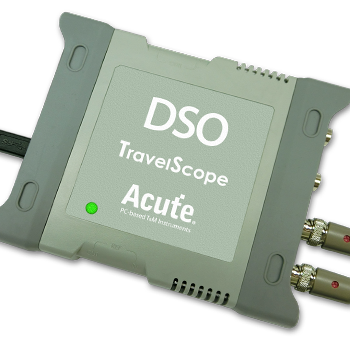
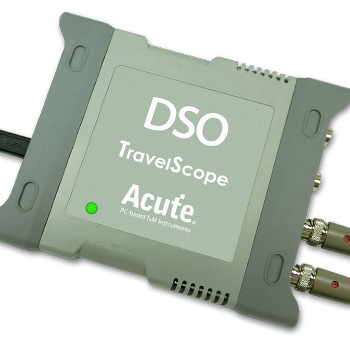
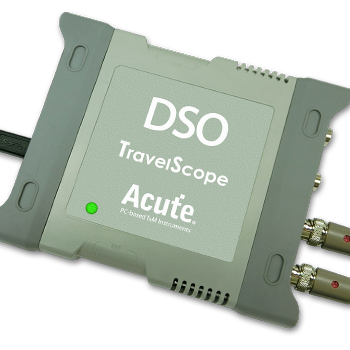
Ready to analyze this protocol?
See how Acute instruments capture and decode this protocol in real time. Request a demo or contact our team.
How to Analyze SMBus with Acute Instruments
Connect your Acute logic analyzer to the SDA and SCL lines of the SMBus.
Attach a ground lead to the target board's ground reference.
In the Acute software, select the SMBus protocol decoder and assign SDA and SCL to the correct channels.
Enable PEC (Packet Error Checking) validation if used on your bus, and set the bus speed (100 kHz, 400 kHz, or 1 MHz).
Capture and view decoded SMBus transactions with command types, device addresses, data values, PEC bytes, and ACK/NACK status clearly labeled.