SVID Protocol Support
PowerIntel Serial Voltage Identification
What is SVID?
SVID (Serial Voltage Identification) is a proprietary serial interface developed by Intel for communication between Intel processors and voltage regulator modules (VRMs) on motherboards and computing platforms. SVID enables the processor to dynamically request specific voltage levels from the VRM, supporting Intel's power management features including SpeedStep, Turbo Boost, and various low-power states. The protocol uses three signal lines — SCLK, SDATA, and ALERT — operating at up to 26.25 MHz with a command-response architecture. The processor sends commands to set voltage (SetVID), request telemetry (GetReg), and configure VRM parameters, while the VRM responds with acknowledgments and data. Acute decoders cover SVID Rev 1.96, including IMVP7, IMVP8, IMVP9, VR12.0 through VR14, and PSys configurations. SVID is critical in all Intel-based desktop, laptop, and server platforms where the CPU core voltage must be precisely and dynamically controlled. Protocol analysis for SVID is essential for motherboard designers and VRM developers who need to verify that voltage transitions occur correctly and within specification timing, that telemetry readings are accurate, and that the VRM responds appropriately to all processor commands. Issues with SVID communication can cause system instability, blue screens, performance throttling, or hardware damage from incorrect voltage delivery. Debugging SVID requires decoding the fast serial transactions into readable command and response packets with voltage values.
SVID Quick Reference
| type | Serial, synchronous |
| signals | SCLK, SDATA, ALERT (3 wires) |
| max Speed | 26.25 MHz |
| voltage Range | 1.0V – 1.1V |
| standard | Intel SVID Rev 1.96 — IMVP7, IMVP8, IMVP9; VR12.0 through VR14; PSys |
Important Notice
SVID protocol decoding is provided to end customers upon request, and only to users who have signed a Corporate Non-Disclosure Agreement (CNDA) with Intel.
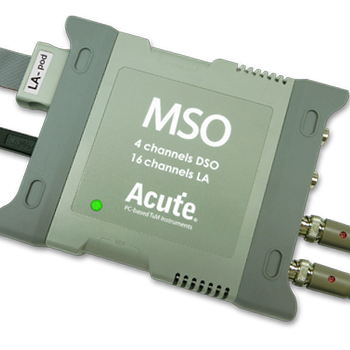
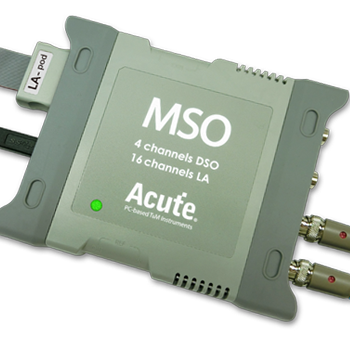

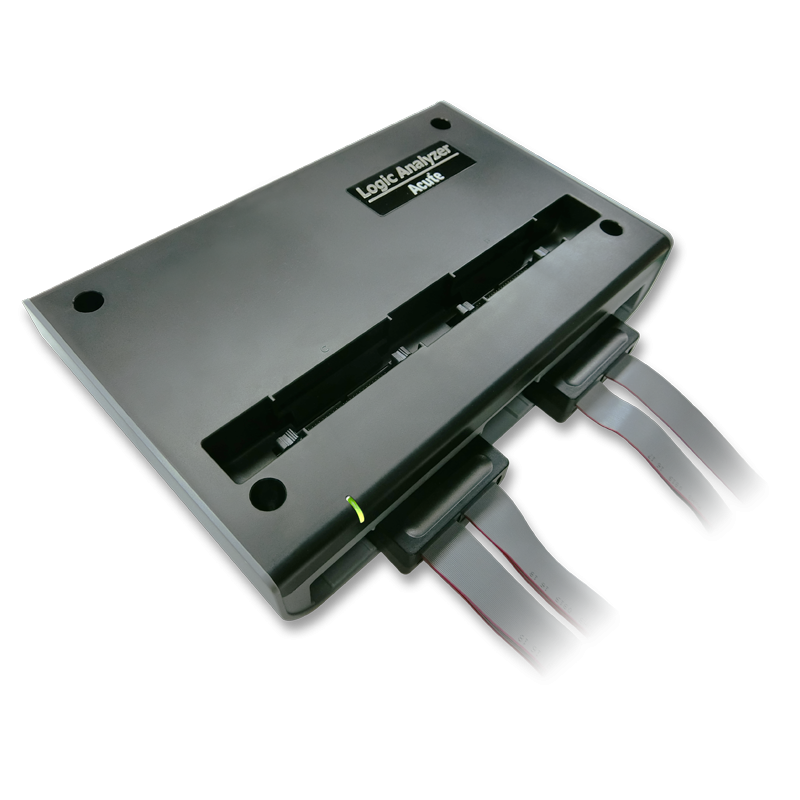

Ready to analyze this protocol?
See how Acute instruments capture and decode this protocol in real time. Request a demo or contact our team.
How to Analyze SVID with Acute Instruments
Connect your Acute logic analyzer to the SCLK, SDATA, and ALERT lines on the motherboard or VRM module.
Attach a ground lead to a nearby ground reference point on the board.
In the Acute software, select the SVID protocol decoder and assign the clock, data, and alert channels.
Configure the SVID protocol version (Rev 1.96 covers IMVP7-9, VR12.0-VR14, PSys) and expected clock speed.
Capture and view decoded SVID transactions showing command types (SetVID, GetReg, SetRegAddr, etc.), VID codes with corresponding voltage values, and VRM response data.