CAN 2.0B Protocol Support
AutomotiveController Area Network 2.0B
What is CAN 2.0B?
CAN 2.0B (Controller Area Network, Part B) is the classic CAN protocol specification supporting both standard (11-bit) and extended (29-bit) message identifiers. Developed by Bosch for automotive applications, CAN 2.0B has become one of the most widely deployed communication buses in vehicles, industrial automation, medical equipment, and aerospace systems. CAN uses a differential pair (CAN_H and CAN_L) with bit rates up to 1 Mbps, and its multi-master architecture allows any node on the bus to initiate communication. The protocol features priority-based arbitration (lower ID values have higher priority), robust error detection (CRC, bit monitoring, frame check, ACK check), and automatic error confinement with error-active, error-passive, and bus-off states. Each CAN 2.0B frame carries up to 8 bytes of data, and the extended frame format with 29-bit IDs provides a much larger address space for complex networks. Protocol analysis is essential for CAN bus development because network issues — such as arbitration conflicts, error frame storms, bus-off conditions, and incorrect message timing — are nearly impossible to diagnose without decoding the actual bus traffic. Engineers need to verify message IDs, data contents, error counters, and bus utilization to ensure reliable communication across all nodes on the network.
CAN 2.0B Quick Reference
| type | Serial, asynchronous |
| signals | CAN_H, CAN_L (differential) |
| max Speed | 1 Mbps |
| voltage Range | Differential |
| standard | ISO 11898 |
Acute Instruments Supporting CAN 2.0B
Recommended Solutions
Recommended for Decode
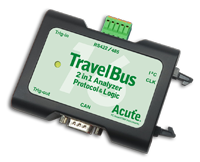
TB3016B
With Analog Channels
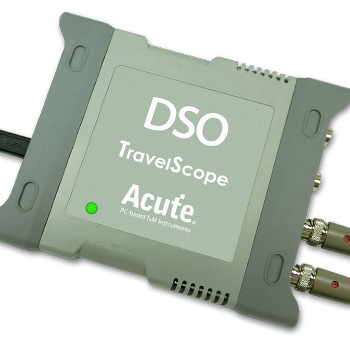
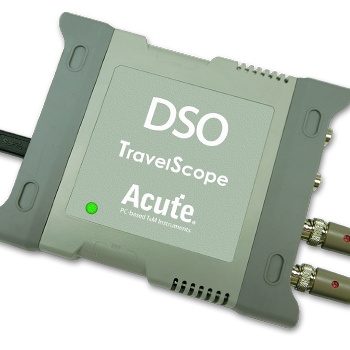
TS3124H
with 100MHz Differential Probe
All Supporting Products

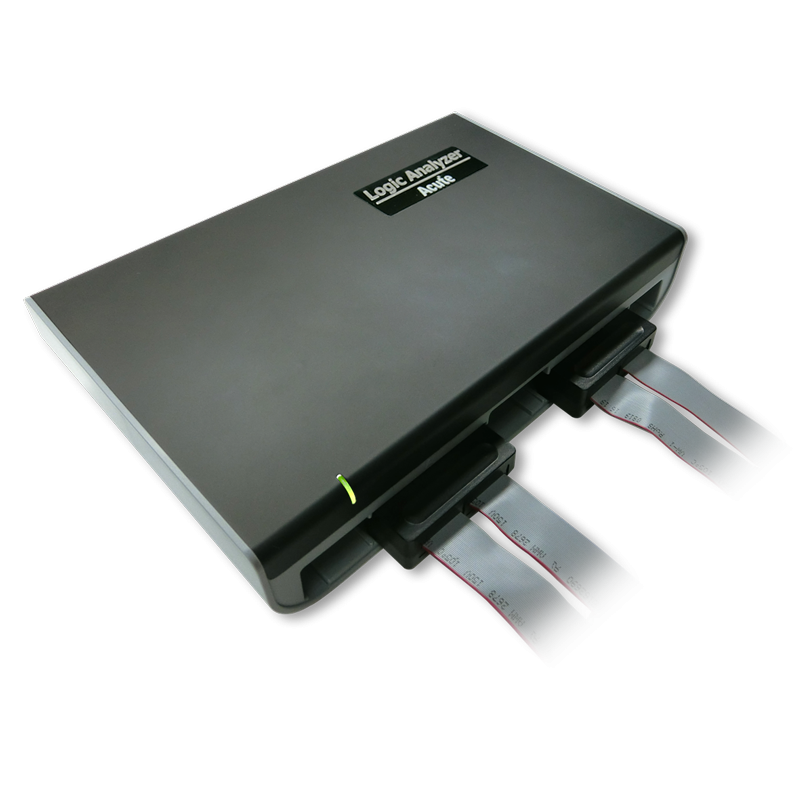
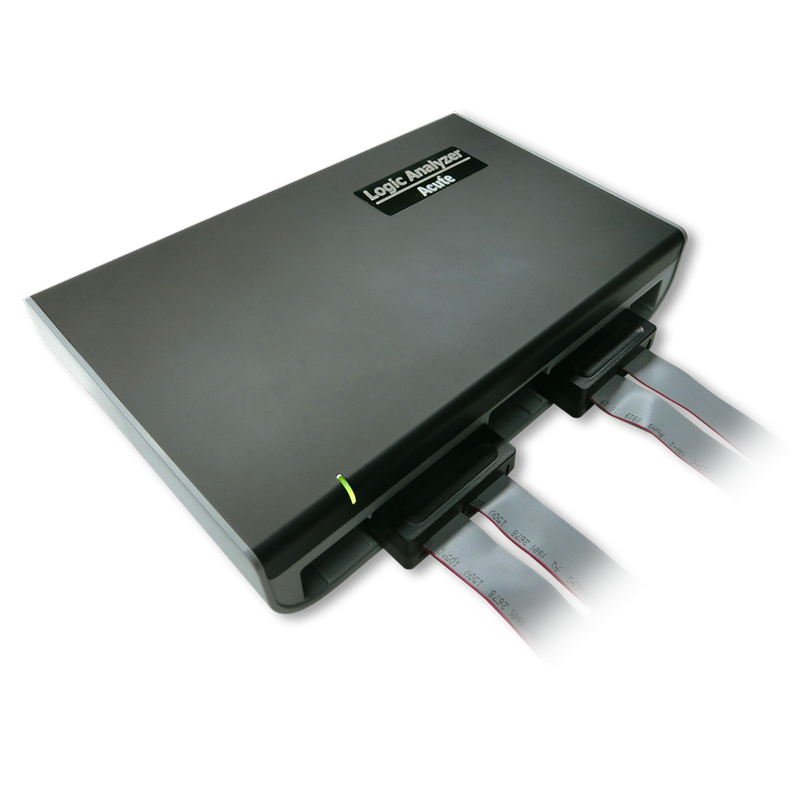
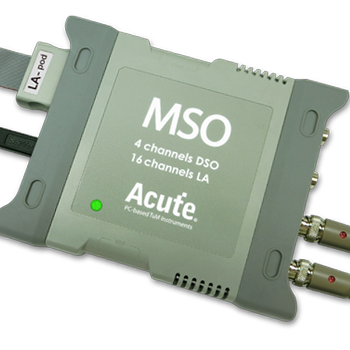
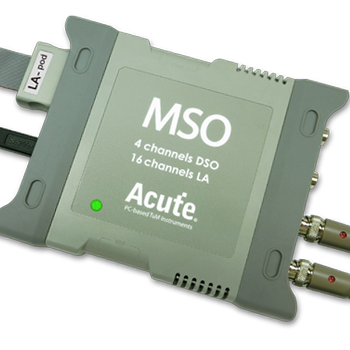
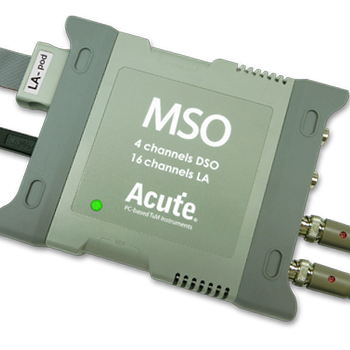
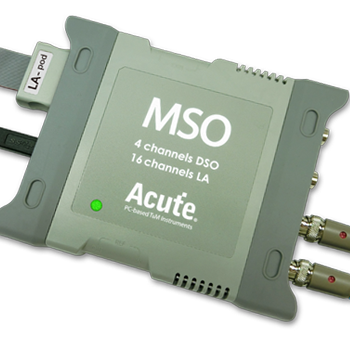
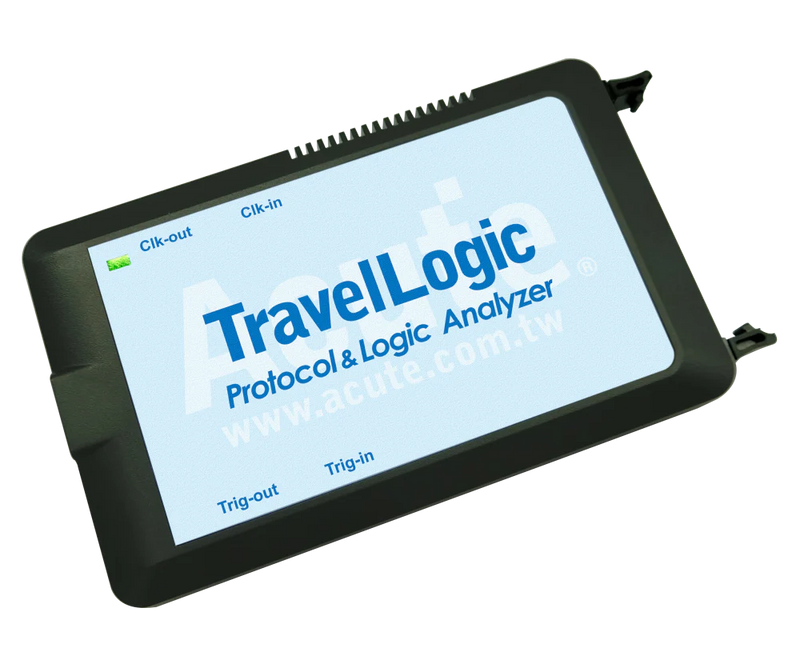
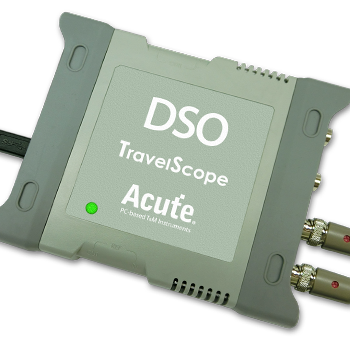
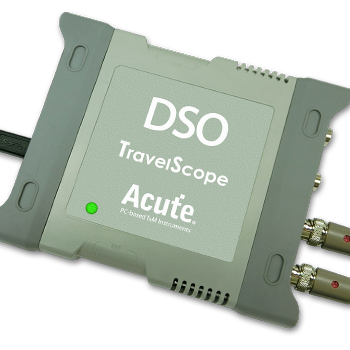
TravelBus Series
Ready to analyze this protocol?
See how Acute instruments capture and decode this protocol in real time. Request a demo or contact our team.
How to Analyze CAN 2.0B with Acute Instruments
Connect your Acute logic analyzer to the CAN bus — either tap the CAN_RX signal from a transceiver (single-ended) or connect to CAN_H and CAN_L (differential).
Attach a ground reference to the target board.
In the Acute software, select the CAN 2.0B protocol decoder and assign the input channel(s).
Set the bit rate (common values: 125 kbps, 250 kbps, 500 kbps, or 1 Mbps) and frame format (standard, extended, or both).
Capture and view decoded CAN frames showing message IDs, DLC, data bytes, CRC, ACK, and any error frames or overload frames on the bus.
CAN 2.0B Downloads & Resources
Software
Application software for the TravelBus protocol and logic analyzer series. Windows 10/11.
Linux application for the TravelBus series. Separate native Linux app (not a Windows port) — currently in beta. Download the latest release from GitHub.